On this page
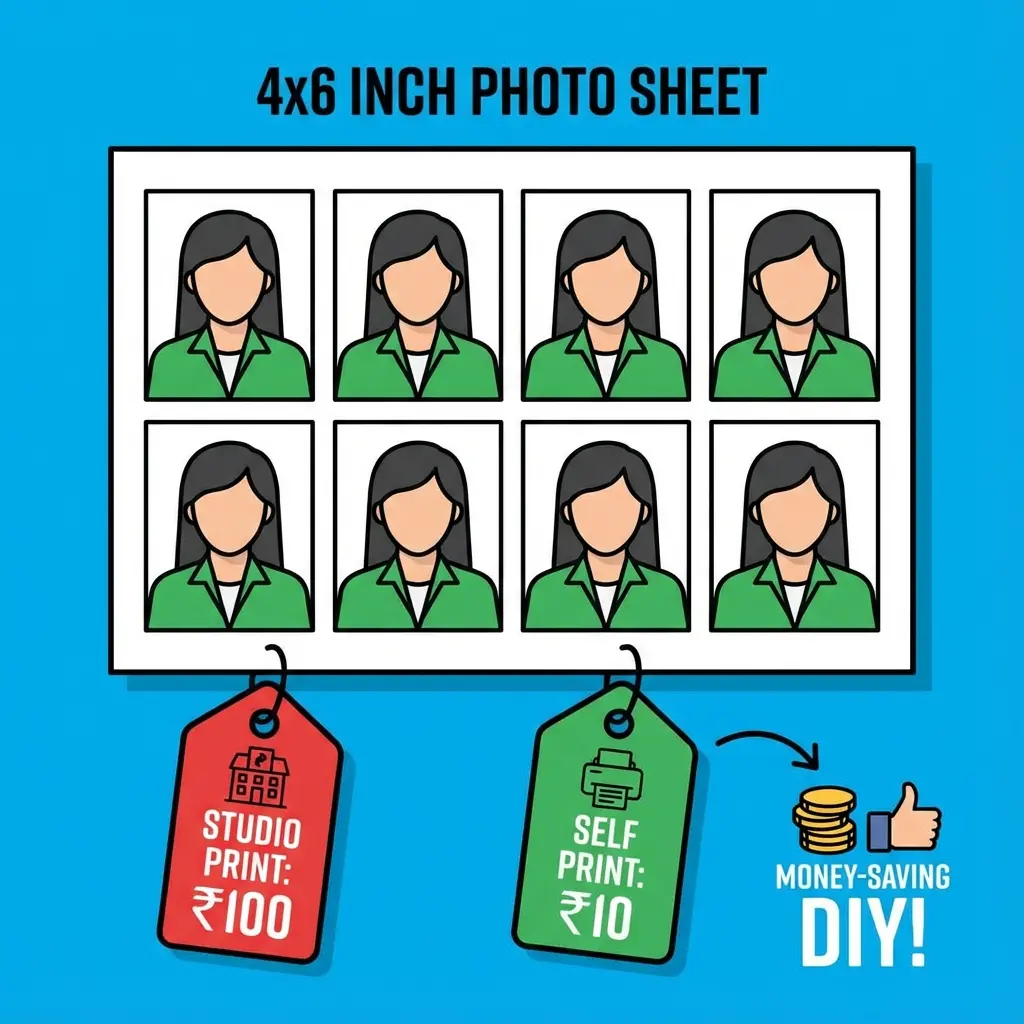
The biggest scam in the document world: "8 Passport Photos = ₹100"
Why is this a scam? Because printing a single 4x6 inch photo paper costs only ₹5 to ₹10. If you can fit 8 photos onto that one sheet yourself, you save ₹90.
This tool does exactly that. It's a "Money Saver" for students and a "Profit Maker" for shopkeepers.
💰 valid for All Exams
This 4x6 standard is accepted by every photo studio and color xerox shop. Just ask for "Postcard Size Print".
Cost Analysis (Profit Calculation)
| Item | Cost | Market Price | Your Profit |
|---|---|---|---|
| Paper | ₹2 (4x6 Sheet) | - | - |
| Ink | ₹1 (Approx) | - | - |
| Total Cost | ₹3 | ₹50 - ₹100 | ₹47 - ₹97 |
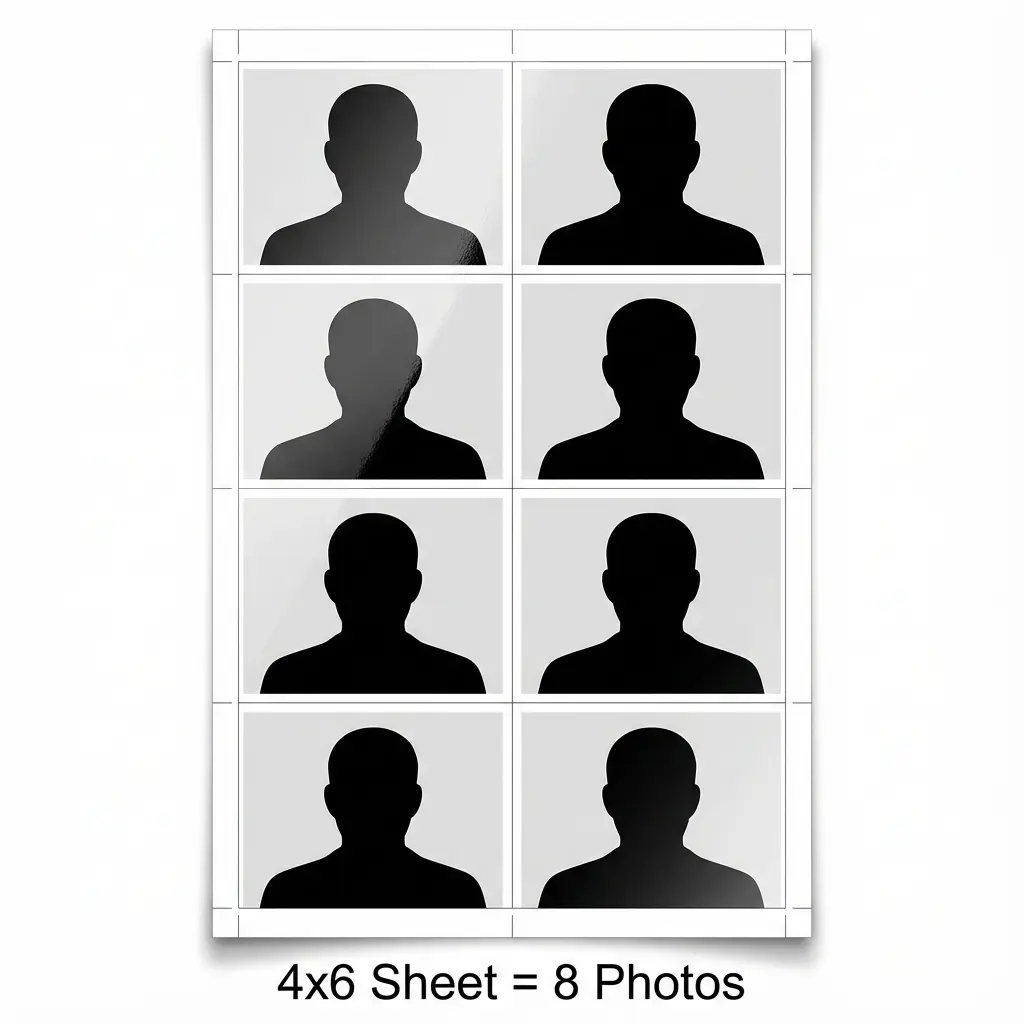 4x6 Passport Photo Sheet Layout: 8 Photos Grid
Cheat Sheet: Which Sheet to Make?
| Paper Size | No. of Photos | Use Case |
|---|---|---|
| 4x6 Inch | 8 Photos | Personal use (Students) |
| A4 Sheet | 32 - 36 Photos | Shopkeepers (Bulk) |
| Gap | 2mm | Easy cutting with scissors |
How to Create the Sheet (Free)
- Open Tool: Go to Passport Sheet Maker.
- Upload: Select your single passport photo.
- Choose Paper: Select "4x6 Inch".
- Download: You get a standard JPEG image.
- Print: Take this JPEG to any shop and say "Print this on 4x6 glossy paper". DO NOT ask for "Password photos" (they will charge extra). Ask for "4x6 Photo Print".
Helpful Tips
-
Paper Quality: Use 180 GSM or 200 GSM Glossy paper for studio-like feel.
-
Cutting: Use a scale and cutter for straight lines, or standard scissors. The tool adds a thin grey border to help you cut.
-
Cutting: Use a scale and cutter for straight lines, or standard scissors. The tool adds a thin grey border to help you cut.
FAQ: Common Doubts
Useful Tools
Frequently Asked Questions
Yes, but you will waste a lot of paper if you only print 8 photos. If you want to use A4, select "A4 Sheet" in our tool to get 32 photos. For 8 photos, 4x6 inch paper is best.
If you ask for "Passport Photos", they might refuse because they lose money. Ask for a "4x6 Photo Print" or "Postcard Print". They treat it as a normal photo print and cannot refuse.
For professional results, use **Glossy Photo Paper** with 180 GSM to 230 GSM thickness. Matte paper is not recommended for passport photos. ---
Copy citation for academic or reference use:
DocSet Team
✓ VerifiedExperts in Document Processing & Government Exam Specifications. We research official notifications from SSC, UPSC, IBPS, and other bodies to provide accurate, up-to-date image resizing and document preparation guidelines.