On this page

Advertisement
Quick Answer: Unicode (Mangal font) is the modern standard for Hindi typing, but many government offices, courts, and typing tests still require Devlys 010, Devlys 040, or Devlys Rajkaj fonts. Our tool converts between all of them — free, online, no installation needed.
🔄 Two-Way Conversion Available
Need to convert Devlys to Unicode instead? The same tool works both ways!
Why Convert Unicode to Devlys?
Common Scenarios:
- Government typing tests (SSC, High Court, District Courts)
- Legal documentation (Court orders, affidavits)
- Old office systems that don't support Unicode
- Printing legacy forms in specific fonts
Difference Between Unicode and Devlys
| Feature | Unicode (Mangal) | Devlys 010 |
|---|---|---|
| Type | Modern Standard | Legacy Font |
| Compatibility | All modern systems | Specific software only |
| Typing | Uses standard Hindi keyboard | Uses QWERTY remapping |
| Display | Shows correctly everywhere | Needs font installed |
| Government Use | NTA exams, online forms | Typing tests, court orders |
How to Convert Unicode to Devlys (Step-by-Step)
Method 1: Online Converter (Recommended)
Since DocSet primarily handles PDFs, here's the best workflow:
-
For PDF files:
- Use our PDF to Word tool
- Open the resulting Word doc
- Install Devlys 010 font on your computer
- Change font from Mangal to Devlys 010
-
For plain text:
- Use dedicated Unicode to Devlys converters like:
- FontConverterGuru
- Hindi Font Converter by AKS Websoft
- Paste your Unicode text
- Download as Devlys
- Use dedicated Unicode to Devlys converters like:
Advertisement
Method 2: MS Word Manual Conversion
- Open your document in MS Word
- Select all text (Ctrl + A)
- Download and install Devlys 010 Font
- Change font dropdown from "Mangal" → "Devlys 010"
- Save the file
⚠️ Warning: This only works if the original text was typed in Unicode. If it's scrambled, use an online converter.
Devlys Font Variants — Which One Do You Need?
There are multiple versions of Devlys. Here's exactly what each is used for:
| Variant | Full Name | Used In |
|---|---|---|
| Devlys 010 | Devlys 010 | Most common — courts, High Court typing tests, SSC |
| Devlys 040 | Devlys 040 | Alternate legal typing variant, some state govt tests |
| Devlys Rajkaj | Rajkaj Unicode | Rajasthan government typing exams (RPSC, Patwari) |
| Devlys 230 | Devlys 230 | Less common, specific organizations |
Unicode to Devlys 040 Converter
Converting to Devlys 040 follows the same process as 010. Use our Unicode to Devlys tool and select "Devlys 040" from the variant dropdown.
Unicode/Mangal to Rajkaj Converter
Rajkaj is the font used in Rajasthan government examinations. If you're appearing for RPSC, Rajasthan Patwari, or any Rajasthan state exam typing test, you need to convert your Unicode/Mangal text to Rajkaj format.
⚠️ Typing Test Alert
If you're preparing for SSC Stenographer or court typing tests, practice typing directly in Devlys font. Conversion tools won't help during the actual exam!
Common Conversion Issues
Problem 1: Text appears as "??????" or boxes
Cause: The Devlys font is not installed on your system.
Solution: Download and install the font first.
Problem 2: Text is gibberish like "æ?±??"
Cause: The source wasn't true Unicode. It was Kruti Dev disguised as Unicode.
Solution: First convert Kruti Dev → Unicode, then Unicode → Devlys.
Problem 3: Some characters are missing
Cause: Unicode has more characters than Devlys supports.
Solution: Manually type those characters in Devlys or use a similar character.
Advertisement
Free Unicode to Devlys Tools (2026)
- AKS Font Converter - Supports bulk conversion
- FontConverterGuru - Clean interface, fast
- Kruti Dev Converter - Also handles Devlys variants
- DocSet PDF to Word - For converting PDFs with Hindi fonts
For Government Typing Tests
If you're appearing for:
- SSC Stenographer (Hindi)
- High Court Data Entry Operator
- Rajasthan Typing Test (Devlys Rajkaj)
You must practice typing directly in the required font. Here's how:
- Download the official typing software (usually ISM or Inscript)
- Install the required Devlys font
- Set your keyboard layout to Hindi (Inscript or Remington)
- Practice typing without relying on converters
✅ Pro Tip
For documents, always keep a Unicode (Mangal) backup. Devlys files won't open correctly on modern Android/iOS devices.
Related Tools
Advertisement
Summary: Unicode to Devlys conversion is essential for working with legacy government systems. While modern systems use Unicode (Mangal), many typing tests and court documents still require Devlys 010. Always verify which font your organization requires before submitting documents.
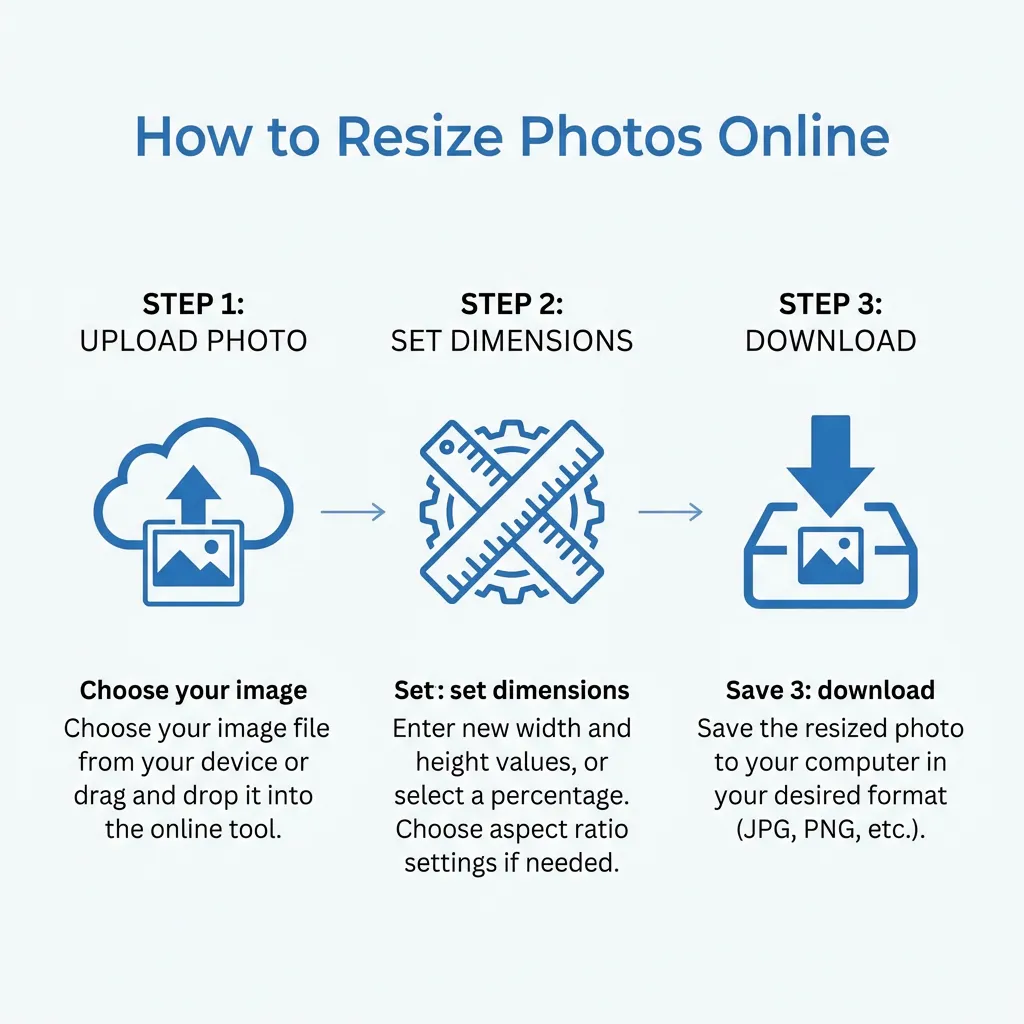
Quick Guide: How to Resize
Advertisement
Advertisement
Copy citation for academic or reference use:
DocSet Team
✓ VerifiedExperts in Document Processing & Government Exam Specifications. We research official notifications from SSC, UPSC, IBPS, and other bodies to provide accurate, up-to-date image resizing and document preparation guidelines.

