On this page
You open a PDF. It reads "भारत सरकार". You copy it. You paste it. It pastes as "Hkkjr ljdkj".
You think your computer has a virus. It doesn't. This is simply the difference between Old India (Typewriter Era) and Digital India (Internet Era).
This guide explains why this happens and gives you the tools to fix it.
📜 The Simple Explanation
Old Hindi fonts (Devlys) were "Fake Fonts". They tricked the computer into printing 'भ' when you typed 'h'. But the computer still thought it was 'h'.
New Hindi fonts (Mangal) are "Real Fonts". The computer knows it is 'भ'.
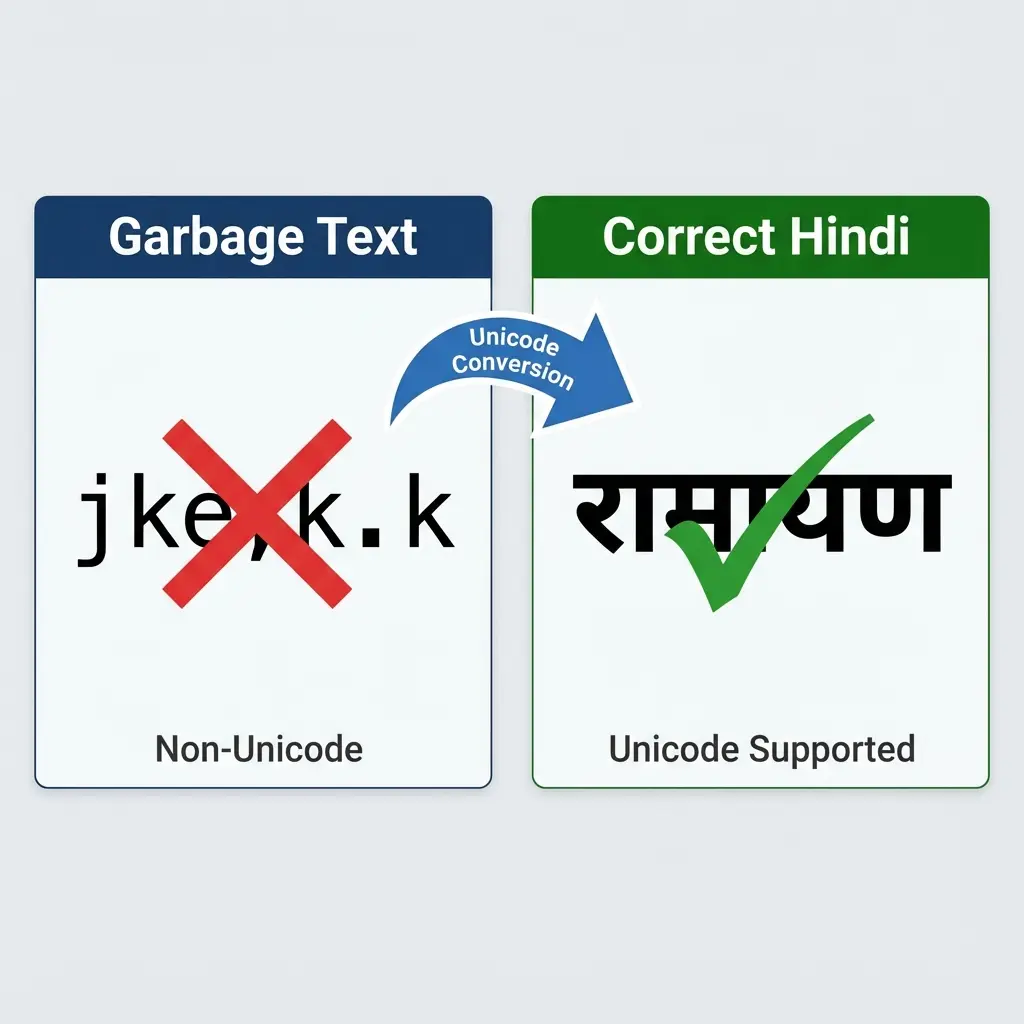 Devlys vs Unicode: Why Hindi Text Breaks
Cheat Sheet: Which Tool Do You Need?
| I have... | I want to... | Use This Tool |
|---|---|---|
| Garbage Text (jke) | Readable Hindi (राम) | Text Converter |
| Whole PDF File | Editable Word Doc | PDF to Word |
| Readable Hindi | Typable Kruti Dev | Reverse Converter |
| Broken Excel | Correct PDF | Excel to PDF |
Scenario 1: Fixing Copied Text
If you just need to read a paragraph:
- Copy the garbage text.
- Go to Devlys to Unicode.
- Paste and Convert.
Scenario 2: Editing a PDF
If the PDF is unsearchable:
- Go to Hindi PDF to Word.
- This tool uses OCR (Optical Character Recognition) specialized for Hindi.
- It reads the shape of the letters, not the code.
- Result: A fully editable Word file in standard Hindi.
FAQ
Useful Tools
Frequently Asked Questions
Habit. Typists learned typing on mechanical typewriters (Remington layout). Kruti Dev mimics that layout on computers. Shifting to Unicode (Inscript layout) requires re-training, which is slow.
No. Android only supports Unicode. That's why Kruti Dev PDFs look broken on mobile unless the specific app has a custom renderer. ---
Copy citation for academic or reference use:
DocSet Team
✓ VerifiedExperts in Document Processing & Government Exam Specifications. We research official notifications from SSC, UPSC, IBPS, and other bodies to provide accurate, up-to-date image resizing and document preparation guidelines.