On this page
If you run an **E-Mitra** or **CSC Center**, you know the struggle.
A customer walks in with a 5MB PDF on WhatsApp and wants it uploaded to a portal that only accepts 100KB JPGs.
Or they want an Aadhaar card printed, but setting it on A4 paper takes 10 minutes of Photoshop work.

Your time is money. Stop wasting it on manual editing.
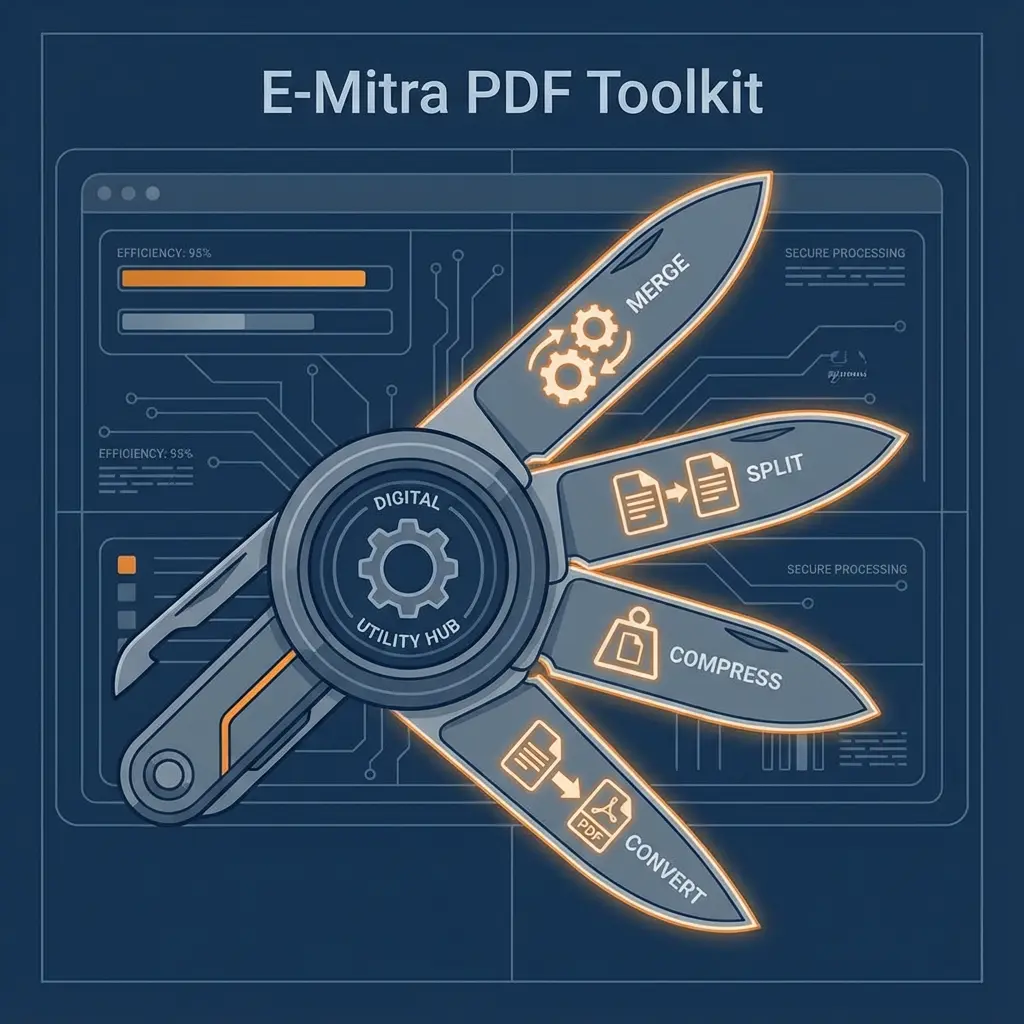
We have built a **Digital Toolkit** specifically for your daily problems.
🚀 Why bookmark this page?
These tools run **locally in your browser**. This means zero upload time, zero data theft risk, and instant results even on slow internet.
Cheat Sheet: Which Tool Used When?
Don't search Google every time. Use this table to find the right fix.
| Customer Problem | Solution Tool | Why? |
|---|---|---|
| "SSO Upload Error" | PDF to JPG | Converts PDF to strict 100KB JPG format. |
| "Print Aadhaar" | Aadhaar Print | Auto-fits Aadhaar on 4x6 photo paper. |
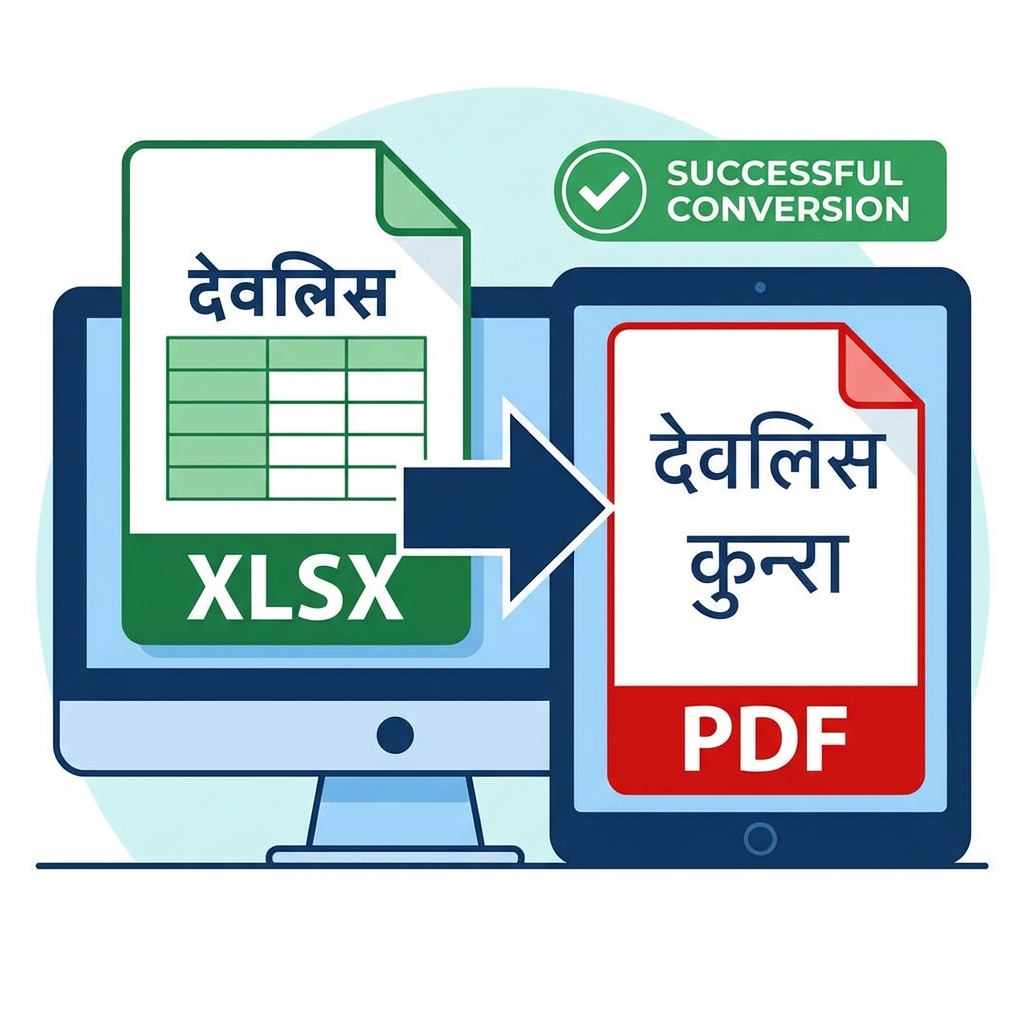
| "Hindi Text Broken" | Hindi PDF to Word | Fixes garbage text (Devlys font issue). |
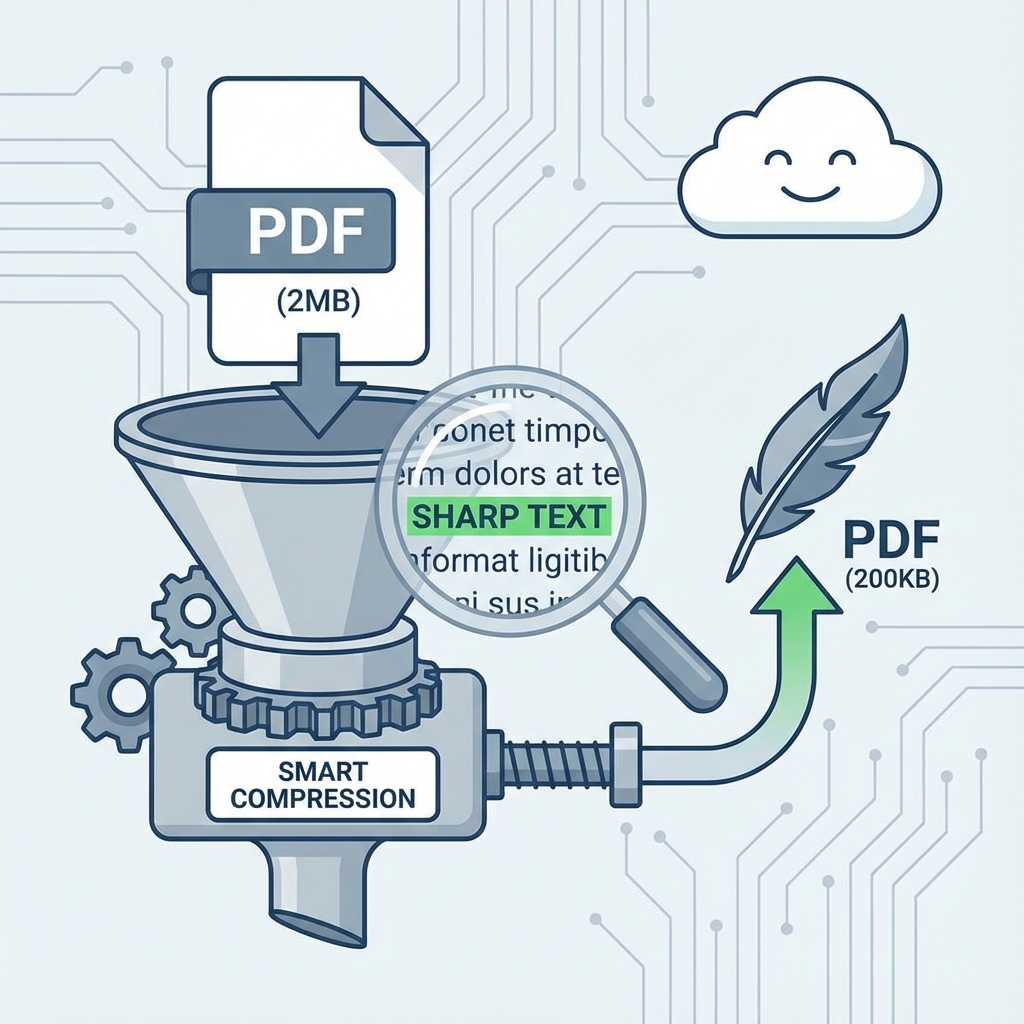
| "File Too Big" | PDF Compress | Shrinks 10MB to 200KB for Jan Aadhaar. |
| "Combine Photos" | JPG to PDF | Merges multiple scans into one PDF. |
3 Essential Workflows for Operators
1. The "SSO Recruitment" Workflow
The most common task. A student comes not knowing the file rules.
- Scan documents at 150 DPI.
- Use SSO PDF to JPG Tool.
- Upload. Done in 2 minutes.
2. The "Smart Printing" Workflow
Stop printing Aadhaar on full A4 pages (waste of paper).
- Open the password-protected Aadhaar PDF and Unlock It.
- Use Aadhaar Print Tool.
- It automatically crops front/back and arranges them. Print and Laminate.
3. The "Result Printing" Workflow
A Result PDF is 500 pages. Customer wants only page 384.
- Don't print all pages.
- Use Split PDF.
- Enter "384". Get a single page PDF. Print.
FAQ for Shopkeepers
Q: Are these tools free for commercial use? A: Yes, 100% free. You can process unlimited files for your customers.
Q: Is data safe? A: Yes. We use Client-Side Processing. The files never leave your computer. You can even disconnect internet after loading the tool, and it will still work.
Q: How to fix "Garbage Characters" in Hindi PDF? A: This happens due to missing fonts (Devlys/Kruti Dev). Use our Hindi PDF to Word tool—it extracts the text correctly so you can copy-paste.
Quick Links
DocSet Team
Experts in Document Processing & Government Exam Specifications. We research official notifications from SSC, UPSC, IBPS, and other bodies to provide accurate, up-to-date image resizing and document preparation guidelines.