On this page
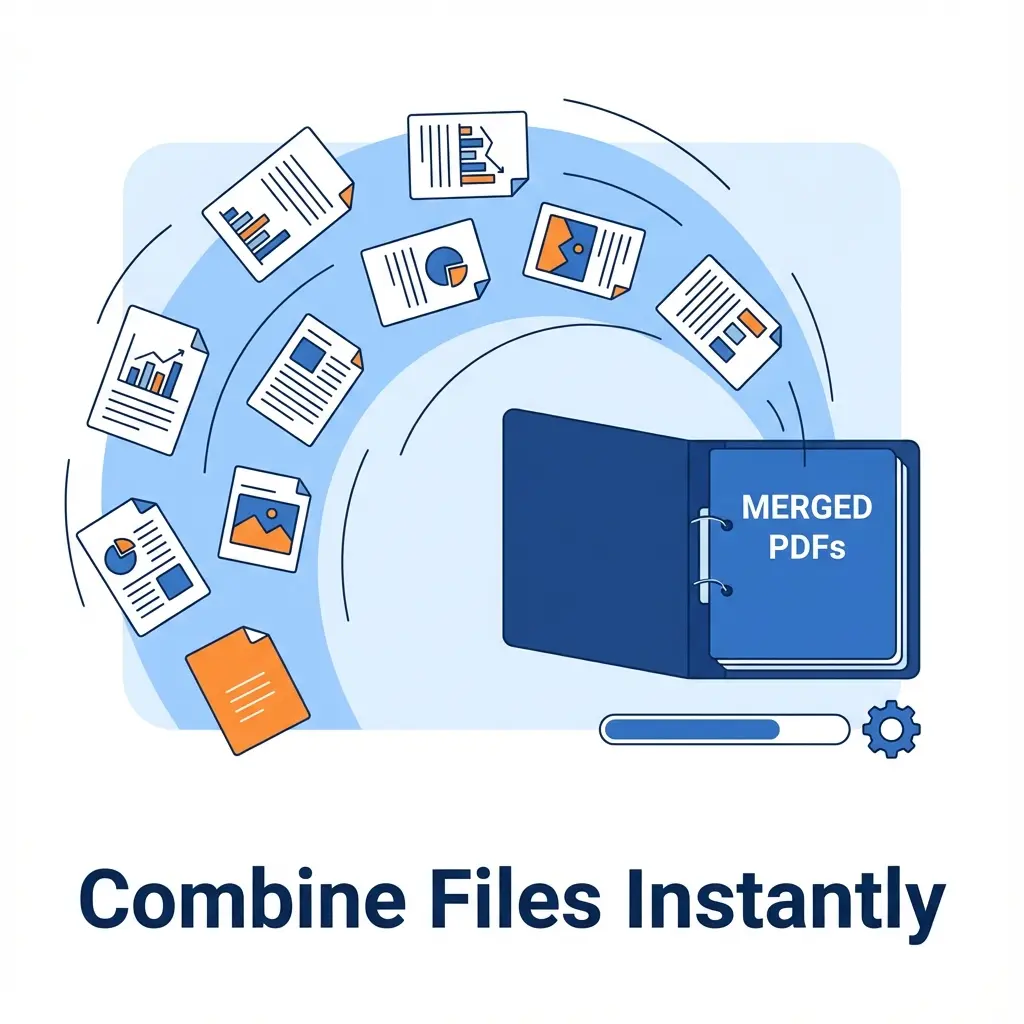
You are filling a scholarship or job form. The instruction says: "Upload 10th, 12th, Caste, and Domicile Certificate." But there is only ONE upload button.
You can't upload 4 separate files. You need to Merge them into one single "Master PDF".
If you try to zip them, the portal will reject it. This tool is the answer.
📋 Order Matters
HR managers read files in chronological order. Arrange them logically before merging:
10th → 12th → Graduation → Caste → ID Proof.
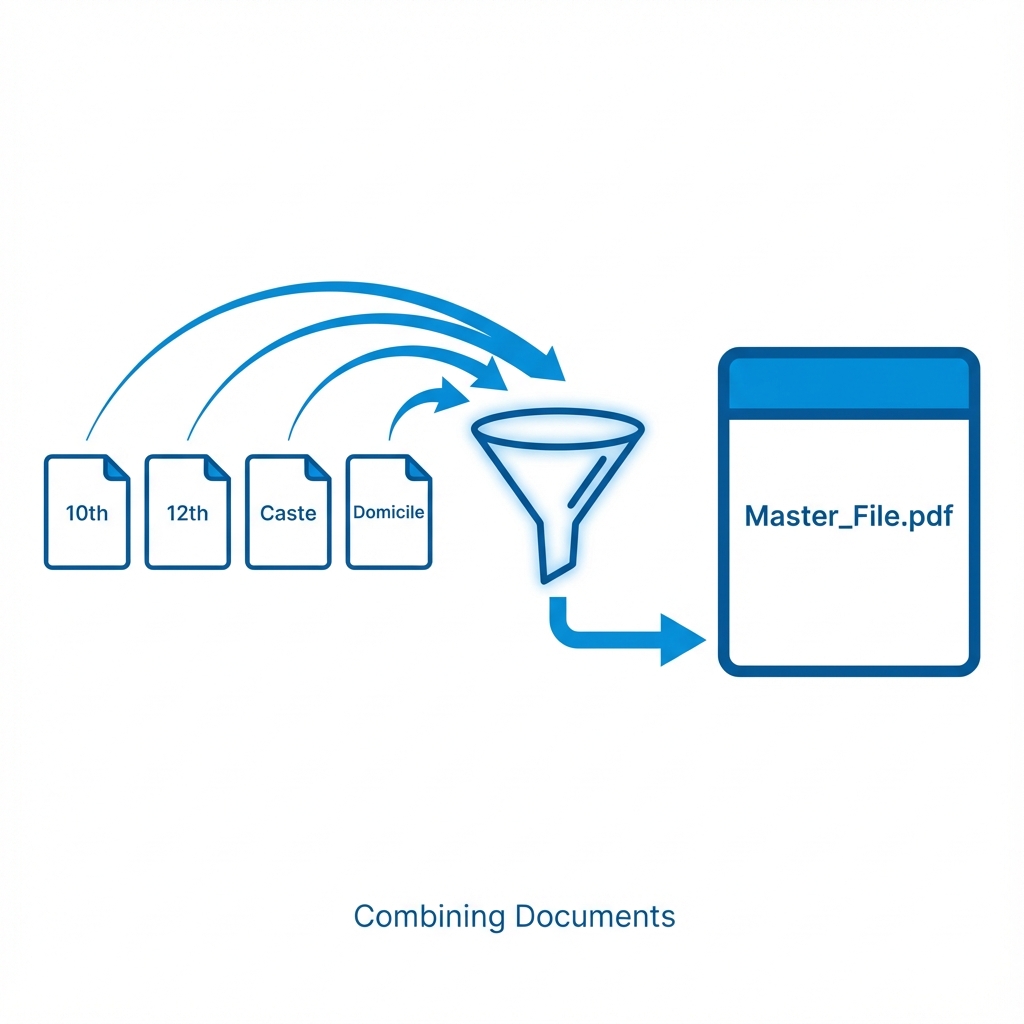 How to Merge Documents Correctly: Sequencing Guide
Cheat Sheet: Common Merge Scenarios
| Scenario | Files Needed | Order Strategy |
|---|---|---|
| Job Application | Resume + Cover Letter | Resume First |
| Scholarship | Marksheets + Income Cert | Marksheets First |
| Loan Application | ITR + Bank Statement | Latest Year First |
| E-Mitra | All Supporting Docs | As per checklist |
How to Combine PDFs (Step-by-Step)
It works like a digital stapler.
- Open Tool: Go to Merge PDF Tool.
- Upload All: Select all 5-6 files at once.
- Re-Arrange: (Important) Drag the files to set the correct order. Put the most important document first.
- Merge: Click the button.
- Download: You get one file named
merged_document.pdf.
Pro Tips
- Rename Before Upload: Name your files
1-10th.pdf,2-12th.pdfso they sort automatically. - Compression: Merging 5 files often creates a large file (e.g., 5MB). Use our Compress PDF tool afterwards to bring it under 2MB.
FAQ: Merging Documents
Q: Can I merge password-protected files? A: No, because we can't read them. Unlock them first using a PDF Unlocker, then merge.
Q: Is there a limit on pages? A: No limit. You can merge 10 files with 50 pages each. But remember file size limits on upload portals.
What Next?
After merging, your file might become HUGE (e.g., 10MB).
- Use PDF Compressor to shrink it.
- Merged the wrong page? Use Split PDF to remove it.
Useful Tools
DocSet Team
Experts in Document Processing & Government Exam Specifications. We research official notifications from SSC, UPSC, IBPS, and other bodies to provide accurate, up-to-date image resizing and document preparation guidelines.