On this page
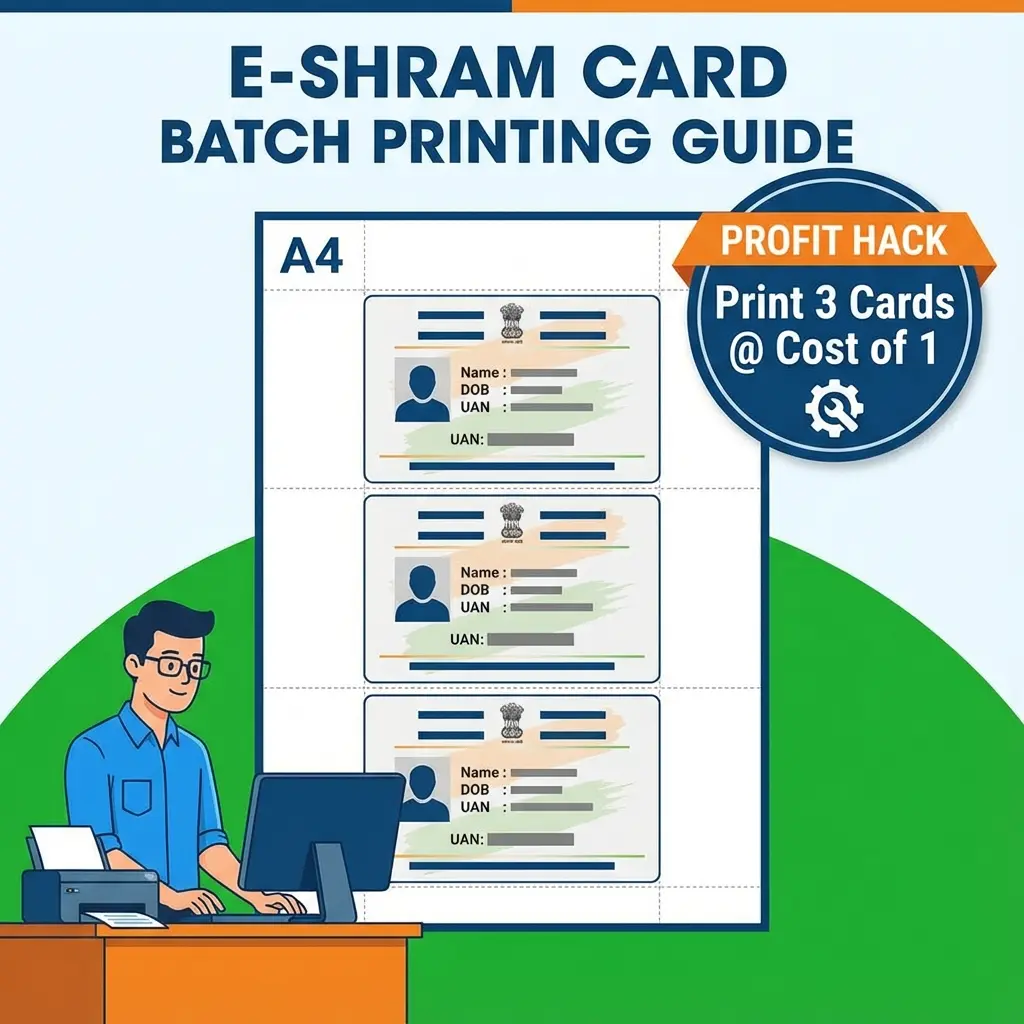
E-Shram cards are in high demand. Every laborer needs a durable PVC card. But for a shop owner (CSC/E-Mitra), the Cost of Printing is the biggest enemy.
The Problem: An A4 PVC Sheet (Dragon Sheet) costs ₹15-20. If you print one card on it, your cost is ₹25 (Sheet + Ink). If you sell it for ₹30, you make only ₹5 profit.
The Solution: Print 5 cards on one A4 sheet. Your cost divides by 5. Your profit skyrockets. Cost per card drops to ₹5 only.
💰 300% More Profit
Single Print Profit: ₹5 per card.
Batch Print Profit: ₹25 per card.
Don't work hard, work smart.
Cheat Sheet: Correct Paper for PVC
| Paper Type | Best For | Capacity |
|---|---|---|
| A4 PVC Sheet (Dragon) | Direct Thermal Lamination | Set 5 Cards |
| 4x6 Inch Photo Paper | Cheap Lamination | Set 1 Card |
| CR80 Sticky Card | Direct Card Printer (Evolis) | 1 Card (Auto) |
How to Print 5 Cards on 1 Sheet (Step-by-Step)
Manual setting in Photoshop takes 20 minutes. Our tool does it in 20 seconds.
- Open Tool: Go to the Universal ID Card Maker.
- Upload Images: Upload the Front and Back of the E-Shram PDF (Convert PDF to JPG first if needed).
- Add More: Click "Add Card" to load the next customer's details. You can add up to 5 customers.
- Generate: Click "A4 Print". The tool auto-arranges them with cutting marks.
- Print: Use your inkjet printer on the Dragon Sheet.
Pro Tips for E-Mitra Operators
- Mirror Image: If using Dragon Sheets, ALWAYS print in Mirror Mode. The heat transfer flips the image back to normal.
- Cutting: Use a Die Cutter for professional rounded corners. Hand-cut cards look cheap and hurt the customer's wallet.
- Brighten: E-Shram cards are often dark. Enhance brightness by 10% before printing for better visibility on PVC.
FAQ: PVC Printing
Useful Tools
Frequently Asked Questions
Yes! The [ID Card Maker](/all-tools/id-card-maker) works for any card - E-Shram, Ayushman, PAN, or Aadhar.
If the PDF is password protected, unlock it first. Or use our **[PDF to JPG Converter](/pdf-tools/pdf-to-jpg)** specifically for government docs.
Epson L805 (6-color) is the gold standard for ID cards. For budget, Epson L3210/L3250 works fine but colors might be slightly dull. ---
Copy citation for academic or reference use:
DocSet Team
✓ VerifiedExperts in Document Processing & Government Exam Specifications. We research official notifications from SSC, UPSC, IBPS, and other bodies to provide accurate, up-to-date image resizing and document preparation guidelines.