On this page
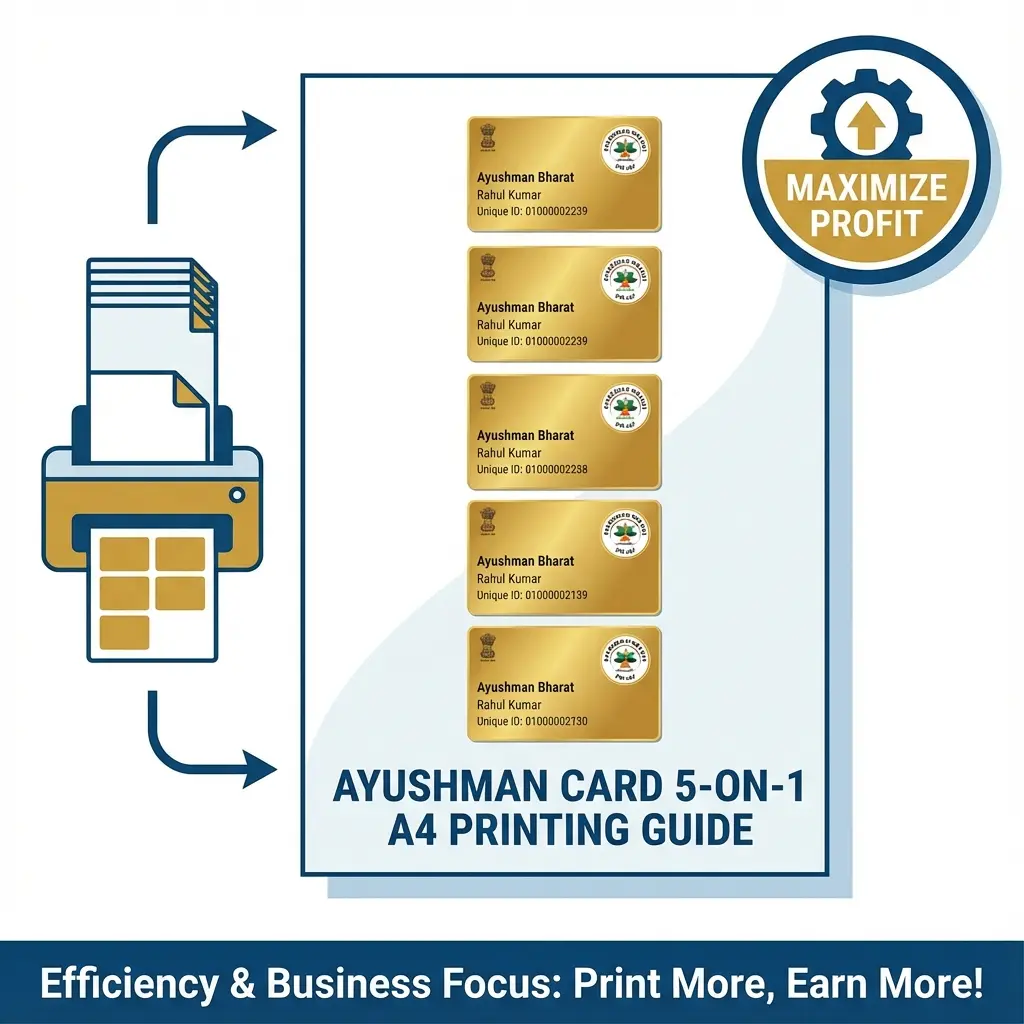
E-Mitra Operators, let's talk about Profit. A single sheet of High Glossy Photo Paper (180 GSM) costs roughly ₹3 to ₹5. If you print only one Ayushman Card on that sheet, your cost is ₹5 + Ink. If you print five cards on that same sheet, your cost per card drops to ₹1.
The problem? Arranging 5 cards perfectly in Photoshop takes 15 minutes of cutting, cropping, and aligning. If you are busy, you don't have that time.
We built the Ayushman Batch Print Tool to do this in 1 click.
💰 Profit Hack
Wait for 5 customers (or print for a whole family). Use our tool to generate a "5-on-1" PDF. Print once, laminate 5 times. Maximum efficiency.
Cheat Sheet: Paper & Settings
For professional, lab-quality cards that customers love:
| Setting | Recommendation | Why? |
|---|---|---|
| Paper Type | 180 GSM Glossy | Standard Xerox paper blurs the QR code. |
| Printer Mode | High Quality / Photo | "Standard" mode leaves lines. |
| Lamination | 250 Micron | Gives the card stiffness like an ATM card. |
| Alignment | 5 Cards (Vertical) | Best layout for A4 sheets. |
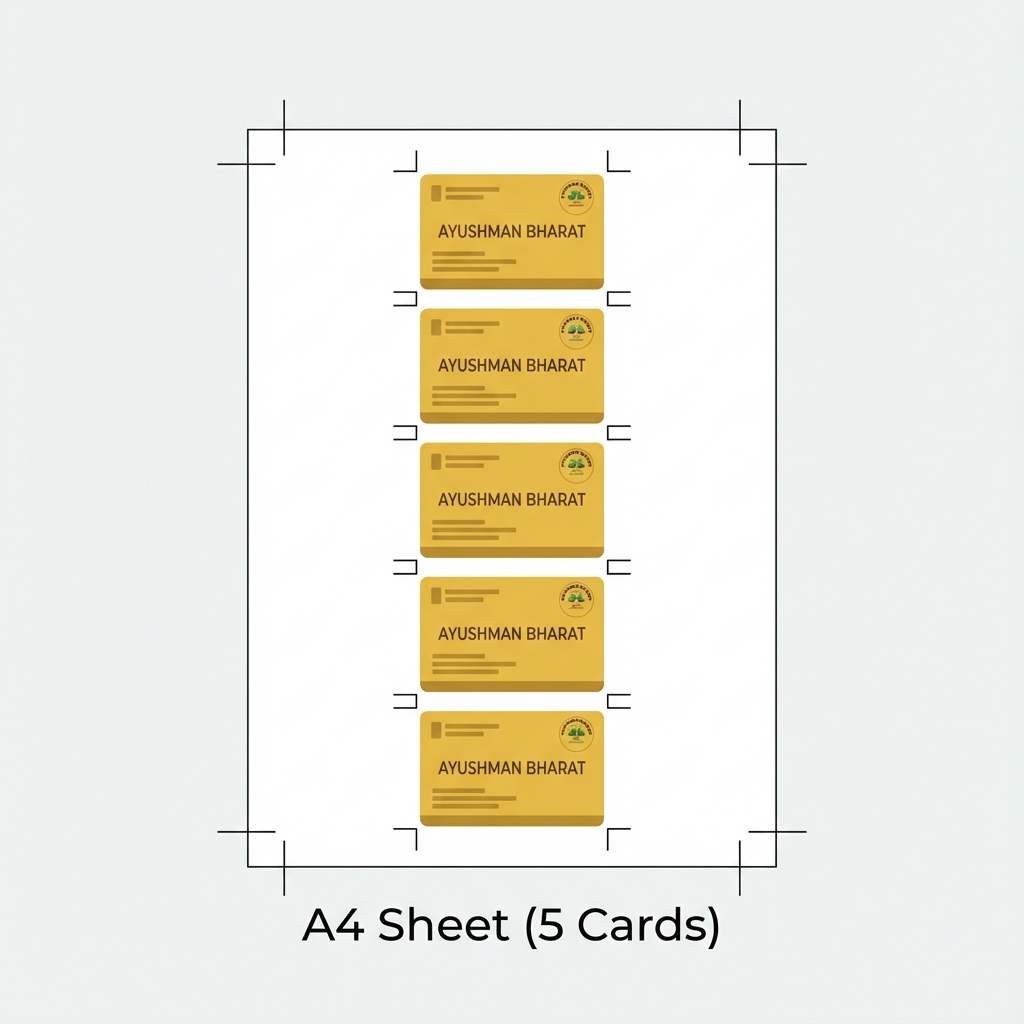 Ayushman 5-Card Batch Print Layout Guide
How to Print 5 Cards in 1 Minute
- Collect Files: Download the Ayushman PDFs for the family/customers.
- Open Tool: Go to Universal ID Card Maker.
- Upload: Upload the Front & Back images (or PDF) for the first person.
- Add More: Click "Add Card" to add the next person. Repeat for up to 5 people.
- Generate: Click "A4 Print". The tool arranges them perfectly.
- Print: Download the PDF. Print on Glossy Paper.
Tips for CSC VLEs
- The "Yellow" Tone: Ayushman cards have a golden theme. On cheap paper, this looks dirty yellow. Use High Gloss paper to make it look "Golden".
- Cutting: Use a steel scale and cutter for straight edges. Scissors often make it look unprofessional.
FAQ: Ayushman Printing
Q: Why don't the cards fit on 4x6 paper? A: A standard 4x6 inch paper is too small for 5 cards. It can fit at most 2 cards. For bulk printing (5 cards), A4 is mandatory.
Q: Can I print partially (e.g., 3 cards) on A4? A: Yes! Our tool allows you to upload 1, 2, 3, 4, or 5 cards. It will arrange them starting from the top. You can cut the remaining blank paper and use it later for passport photos.
Q: Is the QR code readable after resizing? A: Yes. We do not stretch or shrink the card aspect ratio. We maintain the original high resolution so the QR code remains 100% scannable by hospital scanners.
Useful Tools
Related:
- Printing E-Shram Cards? Read E-Shram PVC Guide.
DocSet Team
Experts in Document Processing & Government Exam Specifications. We research official notifications from SSC, UPSC, IBPS, and other bodies to provide accurate, up-to-date image resizing and document preparation guidelines.