On this page
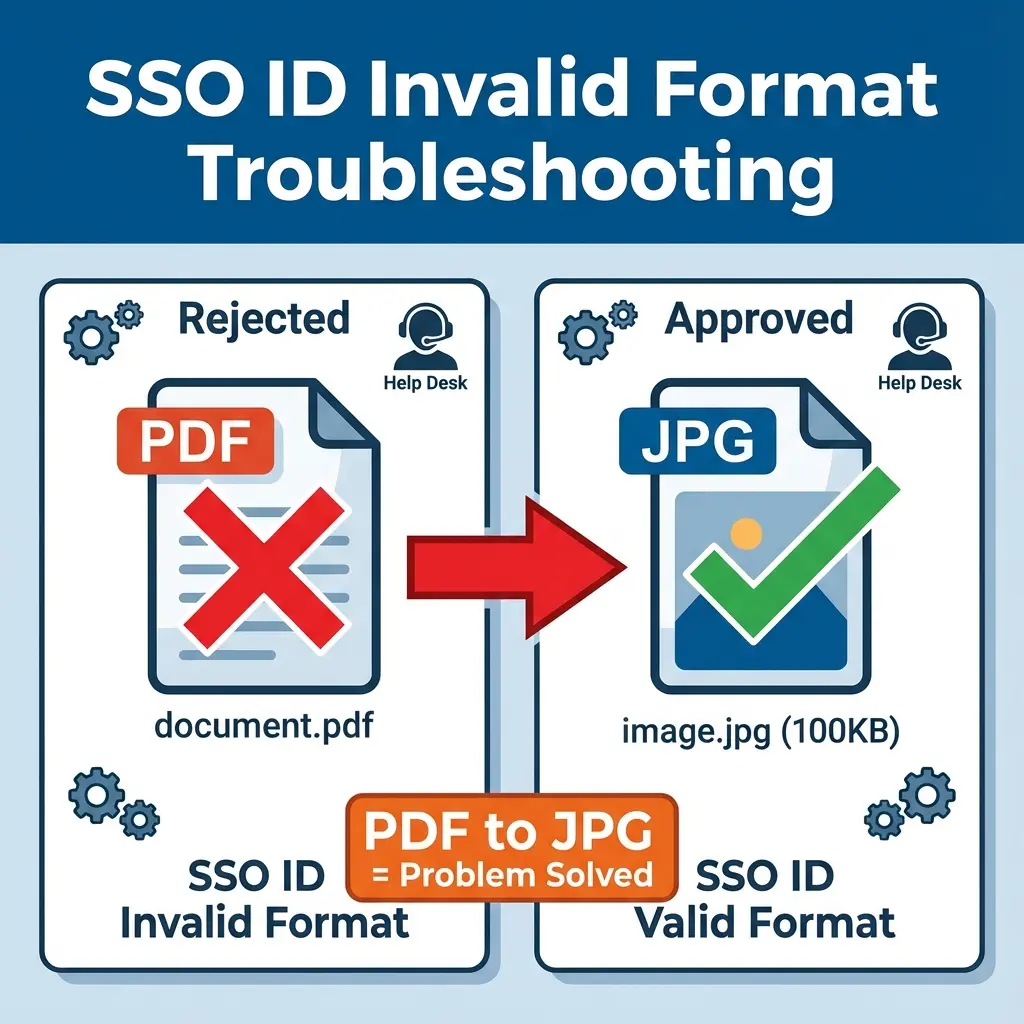
You are sitting at your E-Mitra shop. There's a queue of customers. You scan a document carefully, try to upload it to the Rajasthan SSO portal, and boom: Error: "Please upload valid format"
You try again. You try renaming the file. Same error. 🤯
The SSO portal is notoriously fussy. It doesn't tell you what is wrong, just that something is valid. Usually, the problem is simple: You are trying to upload a PDF or a file larger than 100KB, but the portal secretly wants a small JPG.
Here is how to fix it in 30 seconds so you can clear that queue.
Why This Error Happens
The Rajasthan SSO portal (Jan Aadhaar, Recruitment, etc.) has strict, often hidden requirements.
| Restriction | Your File (Likely) | What SSO Wants |
|---|---|---|
| Format | PDF / PNG | JPG / JPEG Only |
| File Size | > 150 KB | 50 KB – 100 KB |
| Filename | doc1.jpg (No spaces/brackets) |
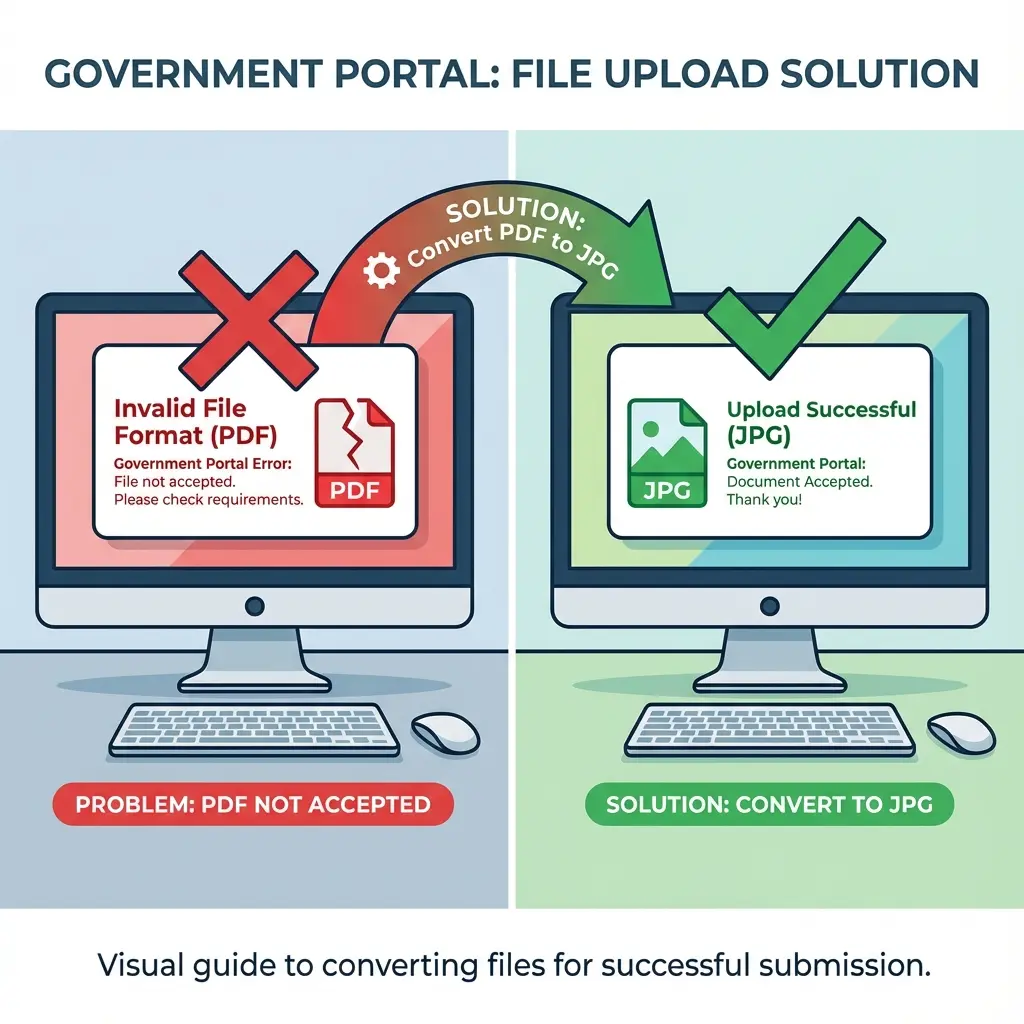 Fix SSO 'Upload Valid Format' Error: PDF to JPG Guide
The 30-Second Fix (No Photoshop)
We built a specific tool for Rajasthan E-Mitra operators to solve exactly this problem.
Step 1: Open the Tool
Go to our SSO PDF to JPG Converter.
Step 2: Upload Your File
- If you have a PDF (e.g., Aadhaar scan), upload it.
- If you have a large image, upload it.
Step 3: Magic Conversion
- The tool automatically converts it to JPG.
- It compresses it to under 100KB (the safe zone).
Step 4: Upload to SSO
- Download the new file.
- Upload it to the portal. Success. ✅
Pro Tips for E-Mitra Operators
If you process 50 forms a day, these settings will save you hours:
- Scanner Settings: Set your scanner to 150 DPI (instead of 300). This keeps file sizes naturally low (~80KB).
- Avoid Spaces: Never save files as
Ram Kumar Aadhaar.jpg. Useram_aadhaar.jpg. SSO servers hate spaces in filenames.
Quick Tools Access
Related:
- Jan Aadhaar Upload Failed? Fix Jan Aadhaar 2.0 Errors.
Copy citation for academic or reference use:
DocSet Team
✓ VerifiedExperts in Document Processing & Government Exam Specifications. We research official notifications from SSC, UPSC, IBPS, and other bodies to provide accurate, up-to-date image resizing and document preparation guidelines.