On this page
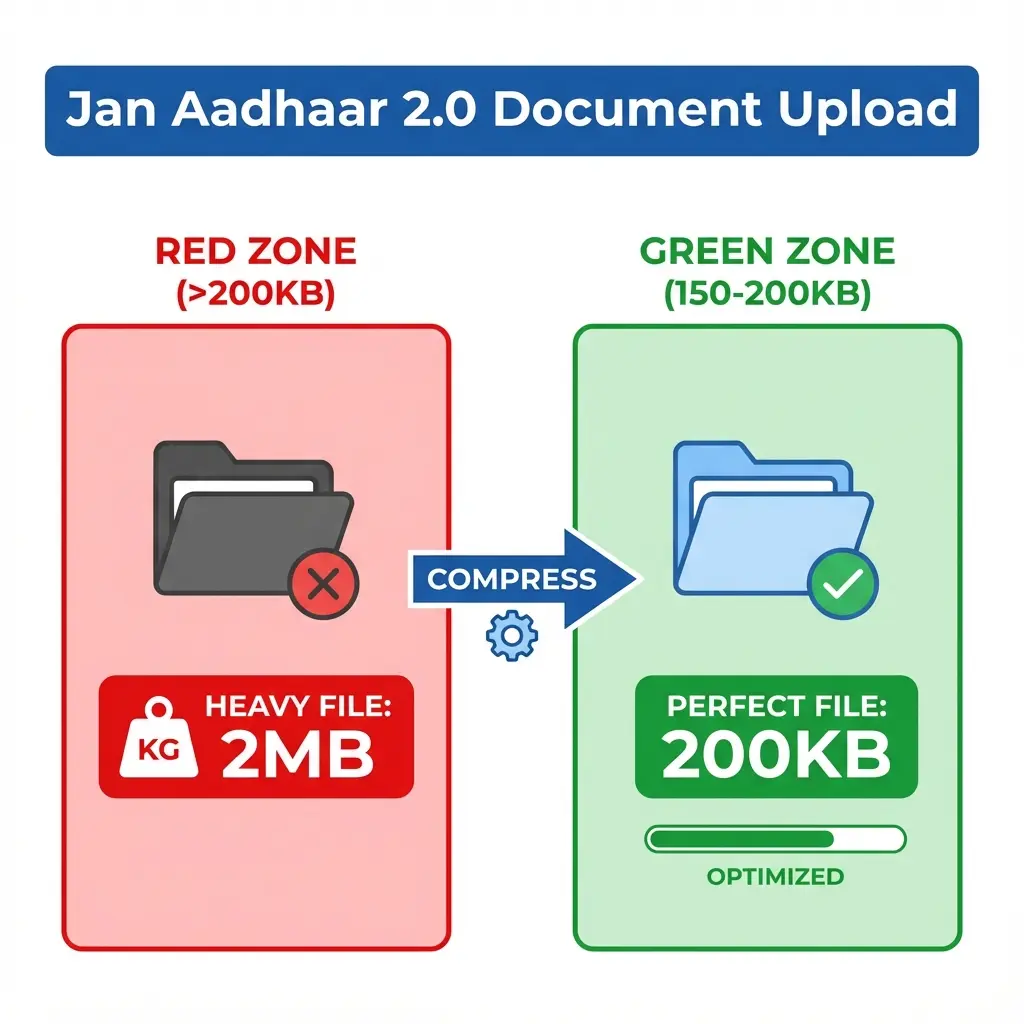
The new Jan Aadhaar 2.0 portal is strict. Annoyingly strict. If your Income Certificate is 201 KB, the portal simply says "File too large". But if you compress it too much (say, 50KB), the verification officer rejects it saying "Document Unclear".
It's a trap. You need the Goldilocks Zone: Smaller than 200KB, but sharp enough to read.
📉 The 200KB Rule
For Jan Aadhaar 2.0, the magic number is 200 KB. Anything above this is instantly rejected. Aim for 150-180 KB for safety.
Cheat Sheet: Compression Settings
Different documents need different treatment to pass verification.
| Document Type | Ideal Size | Why? |
|---|---|---|
| Income Certificate | 150 - 190 KB | Text-heavy, mandates clarity. |
| Aadhaar Card | 100 - 150 KB | Small size, easy to compress. |
| Bank Passbook | 180 - 200 KB | Faint stamps/account numbers need quality. |
| Affidavits | 150 - 180 KB | Legal text must be legible. |
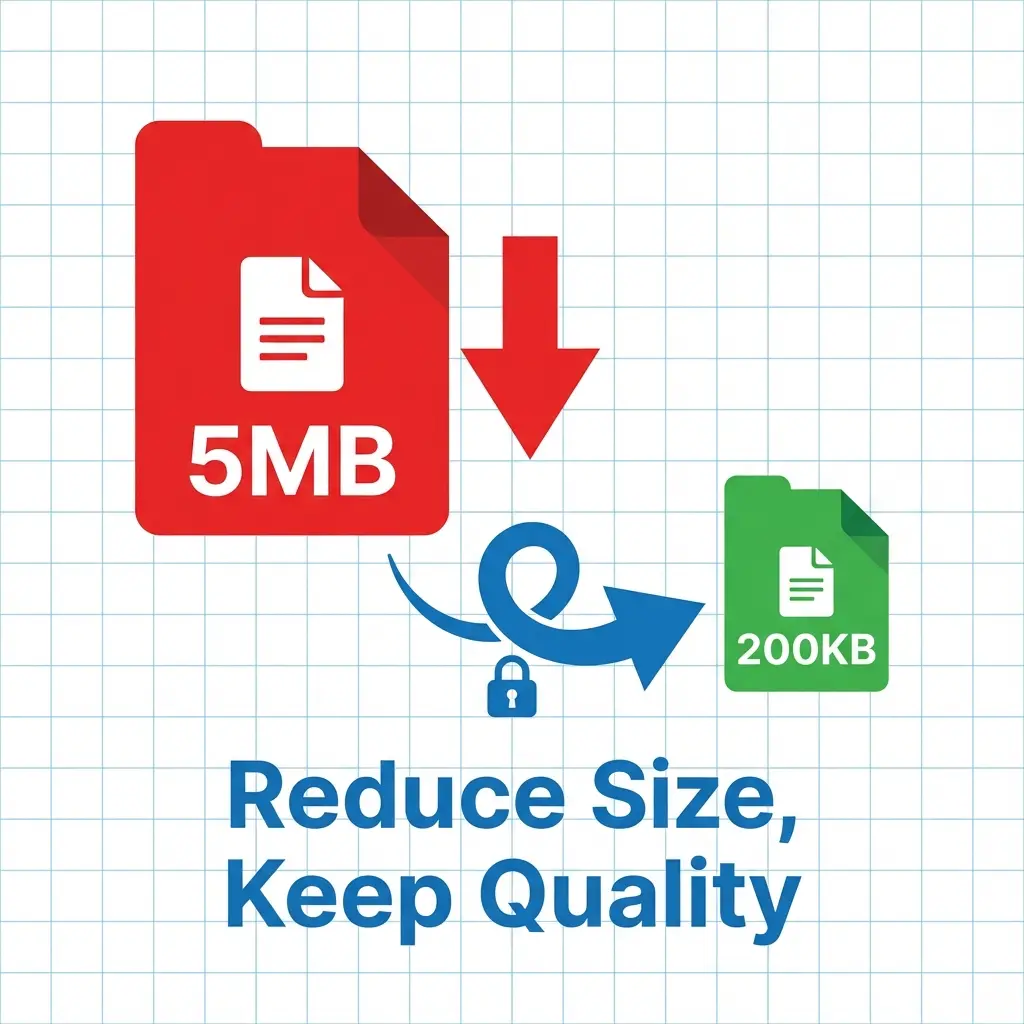 Jan Aadhaar 2.0 Compression: 2MB to 200KB
How to Compress Without Blurring
Our PDF Compressor uses a "Smart Reduce" algorithm. It keeps the text sharp while removing invisible metadata junk.
- Open Tool: Go to the PDF Compressor Tool.
- Upload: Drag your heavy PDF (or JPG).
- Select Mode: Choose "Strong Compression" if file is >1MB, or "Basic" if file is ~300KB.
- Download: You will get a file typically around 140-160KB. Perfect for upload.
Expert Tips for E-Mitra VLEs
1. Grayscale is Your Friend If a color scan is coming out as 500KB, scan it in Grayscale (Black & White).
- Color Scan: 500KB (Rejected)
- Grayscale Scan: 180KB (Accepted & Clear)
2. Don't use WhatsApp Never ask customers to send documents via WhatsApp. WhatsApp compresses images aggressively and destroys the text quality. Ask for Original Document scanning or email.
3. Crop Unwanted Areas Scan only the document, not the scanner bed. White space adds to file size.
FAQ: Jan Aadhaar 2.0 Uploads
Q: Is 50KB okay for documents? A: It is risky. At 50KB, text becomes pixelated. The officer might reject it during Level 1 verification. Stick to 100KB - 200KB.
Q: Can I upload password-protected PDF? A: No. The portal cannot open locked files. Always Unlock the PDF before uploading.
Q: My file is 199KB but still fails?
A: Sometimes the portal cache is the issue. Rename the file (e.g., income_cert_new.pdf) and try again.
Useful Tools
DocSet Team
Experts in Document Processing & Government Exam Specifications. We research official notifications from SSC, UPSC, IBPS, and other bodies to provide accurate, up-to-date image resizing and document preparation guidelines.