इस पेज पर
SSO ID "Invalid File Format" एरर: पक्का इलाज (E-Mitra)
क्या आप भी SSO पोर्टल पर फॉर्म भरते समय परेशान हैं? कस्टमर सामने खड़ा है, और फाइल अपलोड नहीं हो रही?
एरर: "Please upload valid file format" या "File size should be less than 100KB".
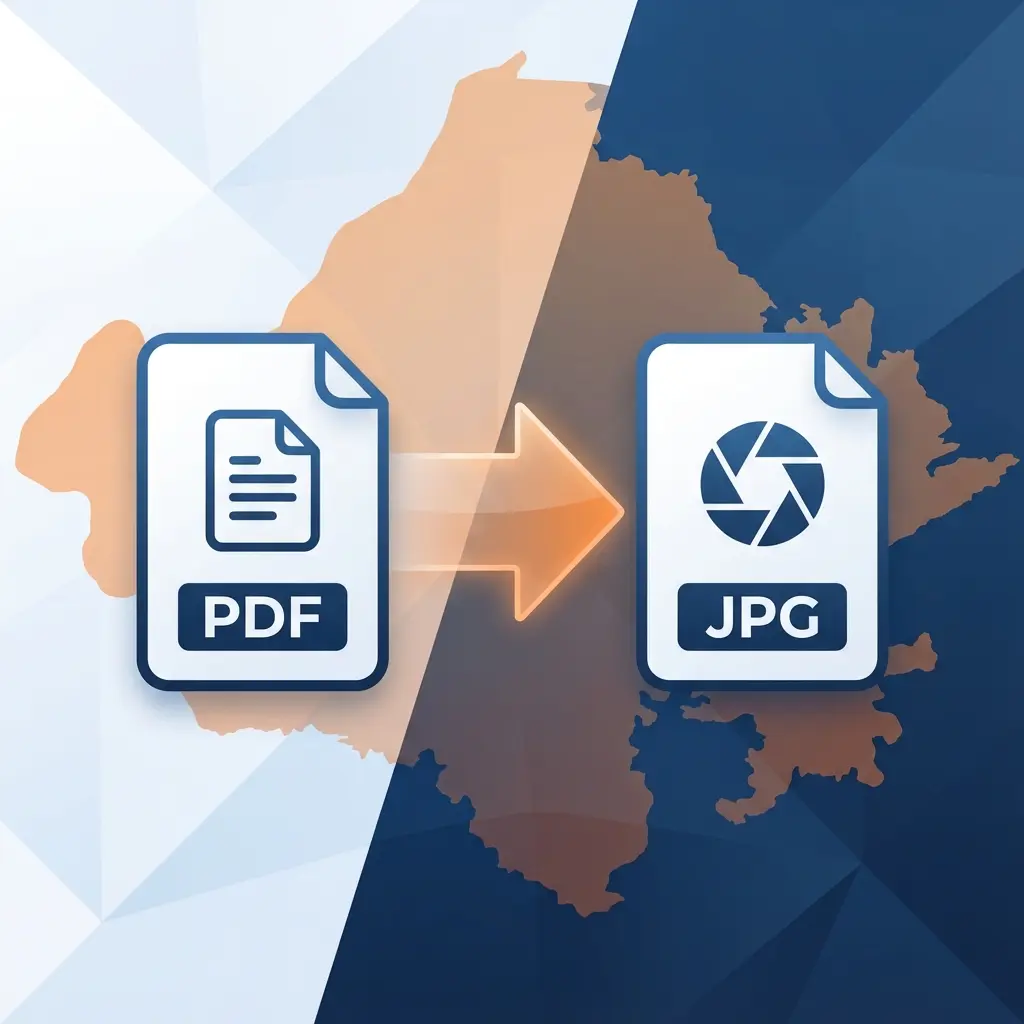
यह SSO पोर्टल की सबसे बड़ी सिरदर्दी है। यह PDF फाइल नहीं लेता। इसे सिर्फ JPG चाहिए, वो भी कम साइज में।
समस्या और समाधान
| समस्या (Problem) | क्यों आती है? | समाधान (Solution) |
|---|---|---|
| Invalid Format | आपने PDF अपलोड की है | उसे JPG में बदलो |
| Size Limit Exceeded | फाइल 100KB से बड़ी है | उसे Resize/Compress करो |
| Blurry Text | ज्यादा कंप्रेस कर दिया | हमारा High Quality Tool यूज़ करो |
30 सेकंड में ठीक कैसे करें?
आपको फोटोशॉप की जरूरत नहीं है।
- हमारा SSO PDF to JPG Tool खोलें।
- अपनी PDF फाइलें चुनें।
- यह टूल तीन काम एक साथ करेगा:
- PDF को JPG बनाएगा।
- साइज को 100KB के नीचे लाएगा।
- टेक्स्ट को साफ़ (Readable) रखेगा।
- डाउनलोड करें और अपलोड करें।
E-Mitra वालों के लिए खास टिप्स
- जाति/मूल निवास (Caste/Bonafide): इनका टोकन नंबर साफ दिखना बहुत जरुरी है। अगर यह धुंधला हुआ तो फॉर्म री-सबमिट (Sendback) आ जाता है। हमारा टूल इसी बात का ध्यान रखता है।
- नाम (Filename): फाइल का नाम हमेशा छोटा रखें।
ram_marksheet.jpgसही है।ram 10th class markhseet (final).jpgगलत है।
आपका समय कीमती है। एरर में समय बर्बाद न करें!
अक्सर पूछे जाने वाले सवाल (FAQ)
Frequently Asked Questions
It means you are trying to upload a PDF or PNG. SSO strictly accepts **JPG/JPEG** files only. Use this tool to convert.
The standard conversion creates large files. Our tool automatically compresses it to **under 100KB** so it's accepted instantly.
Yes. Unlike other compressors that blur everything, we use intelligent compression to keep text sharp for verification.
एकेडमिक उपयोग के लिए उद्धरण कॉपी करें:
DocSet Team
✓ सत्यापितदस्तावेज़ प्रोसेसिंग और सरकारी परीक्षा विनिर्देशों में विशेषज्ञ। हम सटीक, अद्यतन छवि रिसाइजिंग और दस्तावेज़ तैयारी दिशानिर्देश प्रदान करने के लिए SSC, UPSC, IBPS और अन्य निकायों से आधिकारिक अधिसूचनाओं पर शोध करते हैं।