On this page
It’s the night before the deadline. The server is slow. You are tired. You upload your photo, and the screen pauses...
"Error: Image dimensions invalid."
Panic sets in. You crop it again. "Error: File size must be between 20KB and 50KB."
We have all been there. And what's worse than the error message is the silent fear: "What if I mess this up? What if my hall ticket never arrives?"
In 2025, over 35,000 candidates faced rejection in CGL alone. Not because they weren't smart—but because their spectacles were visible, or the background was slightly grey.
This guide is your safeguard. We will break down exactly what the computer wants, so you can focus on Geometry and Reasoning, not JPEG compression.
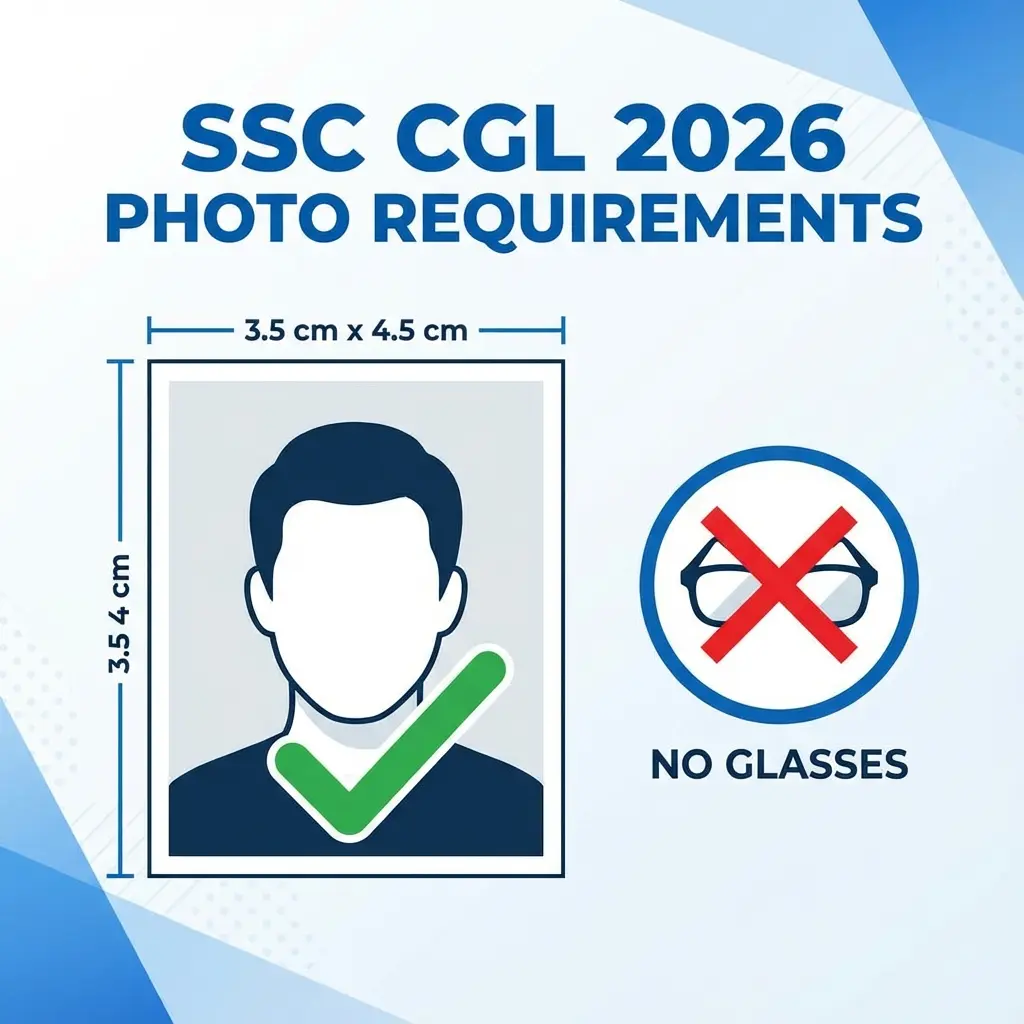
⚠️ The Golden Rule: 3.5cm × 4.5cm
There is no "approximately". The width must be exactly 3.5 cm and height 4.5 cm. The file size must be strictly between 20 KB and 50 KB. 51 KB is a rejection.
Why Is SSC So Strict? (The "Why")
You might wonder, "Why does it matter if my photo is 55KB?"
It matters because humans don't check your form perfectly. Bots do. SSC uses automated scripts to scan millions of applications. These scripts have rigid parameters. If your file metadata says "Width: 3.4cm", the script flags it.
Furthermore, with the introduction of AI Facial Recognition at exam centers, your uploaded photo serves as the "Master Source". If you upload a heavily filtered selfie, the camera at the exam center won't recognize you, and you will be barred from entry.
Why use DocSet? Unlike other websites where you upload your personal photo to a server (privacy risk), DocSet processes your image entirely in your browser. Your photo never leaves your device. It's safer, faster, and designed specifically for the Indian "Sarkari" ecosystem.
Step-by-Step Guide: Fix Your Photo in 30 Seconds
You don't need Photoshop. You definitely don't need to pay ₹50 at a Cyber Cafe. Here is how to create a 100% compliant photo using your smartphone.
1. The Setup (Before You Click)
- Lighting: Stand facing a window. Natural daylight is your best friend.
- Background: Use a plain white wall. If you don't have one, hang a white bedsheet.
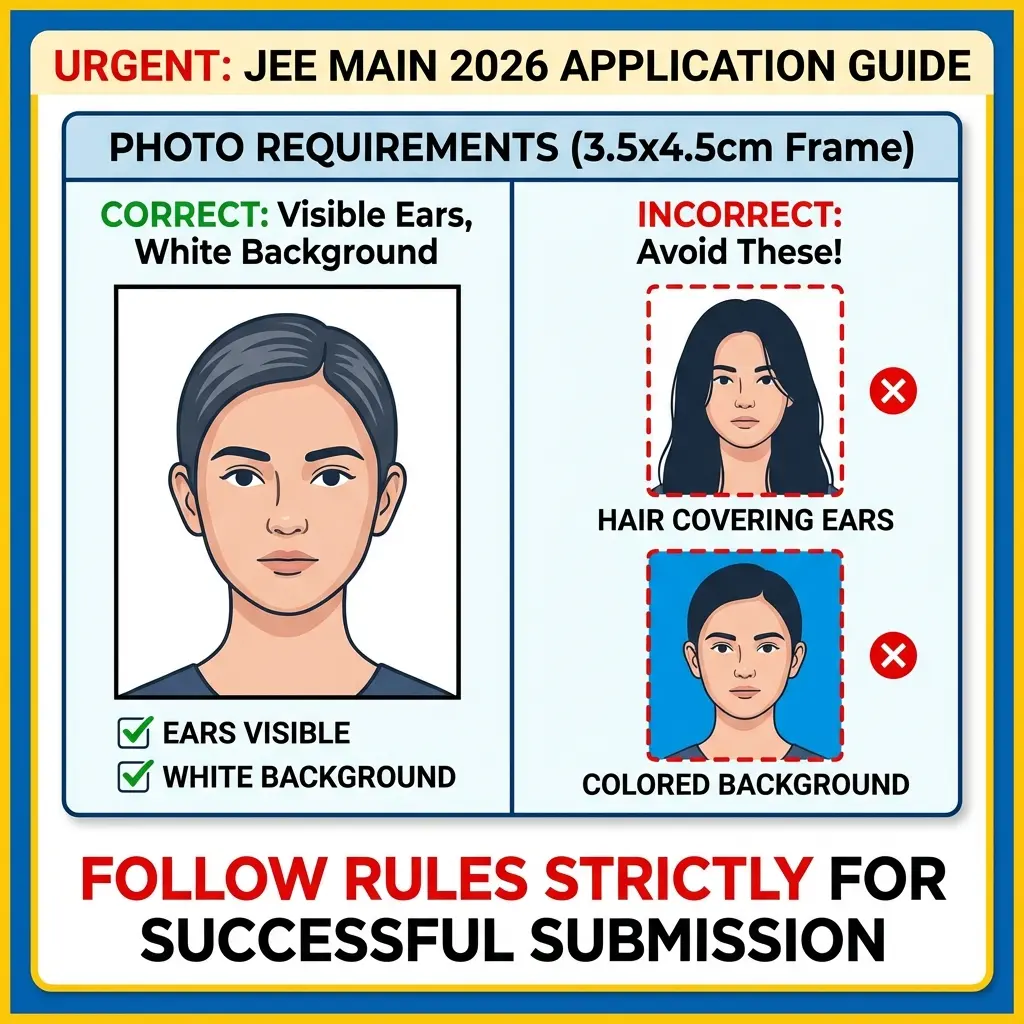
- The Look: Look straight at the camera. Ensure both ears are visible.
- NO GLASSES: I repeat, taking off your spectacles is mandatory.
2. The Tool
- Open the specialized SSC Photo Resizer.
- Upload: Select your photo.
- Adjust: The tool locks the aspect ratio to 3.5:4.5 automatically.
- Compress: Use the slider to bring the file size into the "Green Zone" (approx 35-45 KB is the sweet spot).
3. The Date (Crucial Step)
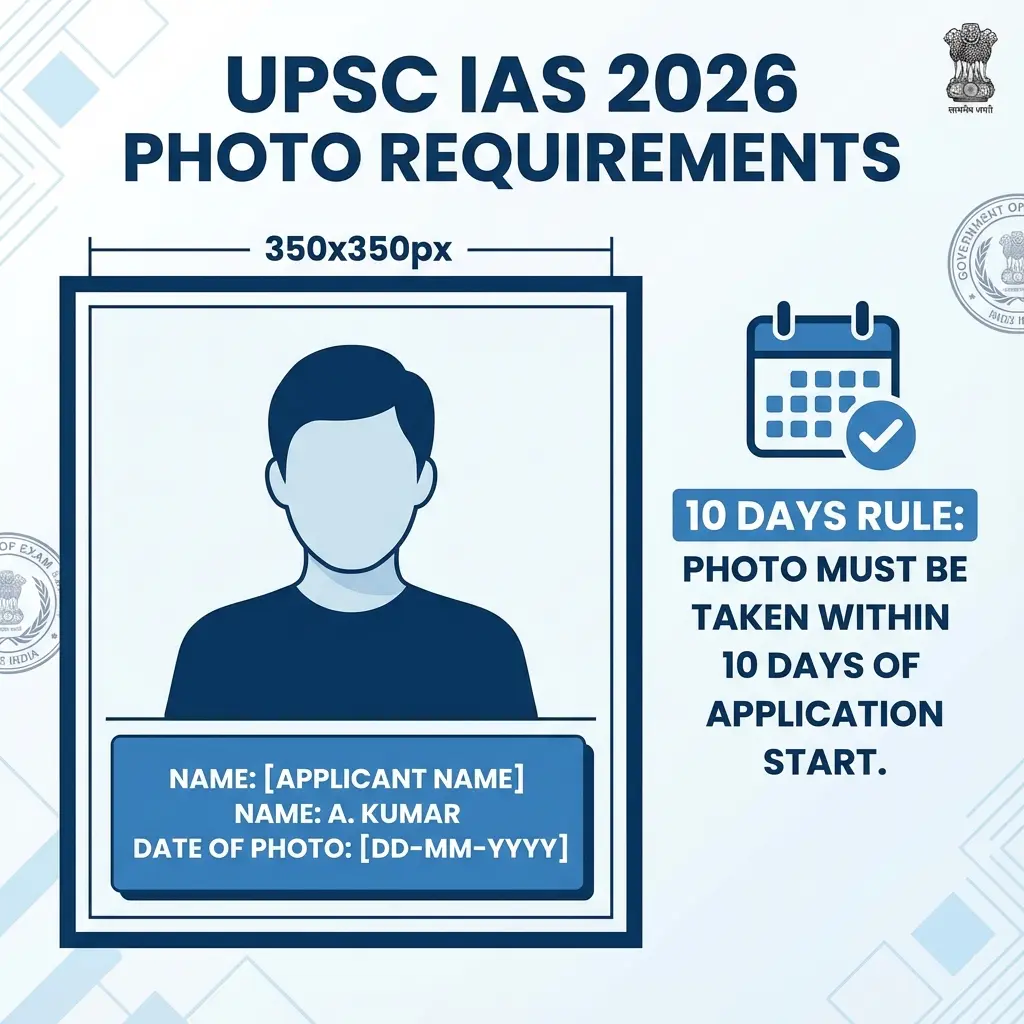
- If the current notification demands a "Date of Photo" (DOP):
- Toggle the "Add Name & Date" switch.
- Enter today's date. The tool places it neatly at the bottom in a black slate format.
- Download.
That's it. Your file is now technically perfect.
Common Mistakes / Rejection Reasons
We analyzed rejection data and found these top culprits:
- The "Spectacles" Mistake: Even if you wear glasses 24/7, you MUST remove them for the photo. The glare from lenses blinds the AI.
- The "Instagram" Mistake: Do not use filters. Do not use selfies (which flip your face laterally). Use the rear camera.
- The "Blurry Signature" Mistake: Signatures are small (4cm x 2cm). If you photograph a large signature from far away and crop it, it becomes pixelated.
- Solution: Sign heavily with a Thick Black Gel Pen on white paper and photograph it up close.
- The "Blue Ink" Mistake: While blue is sometimes accepted, Black Ink provides the highest contrast for scanners. Why take a risk?
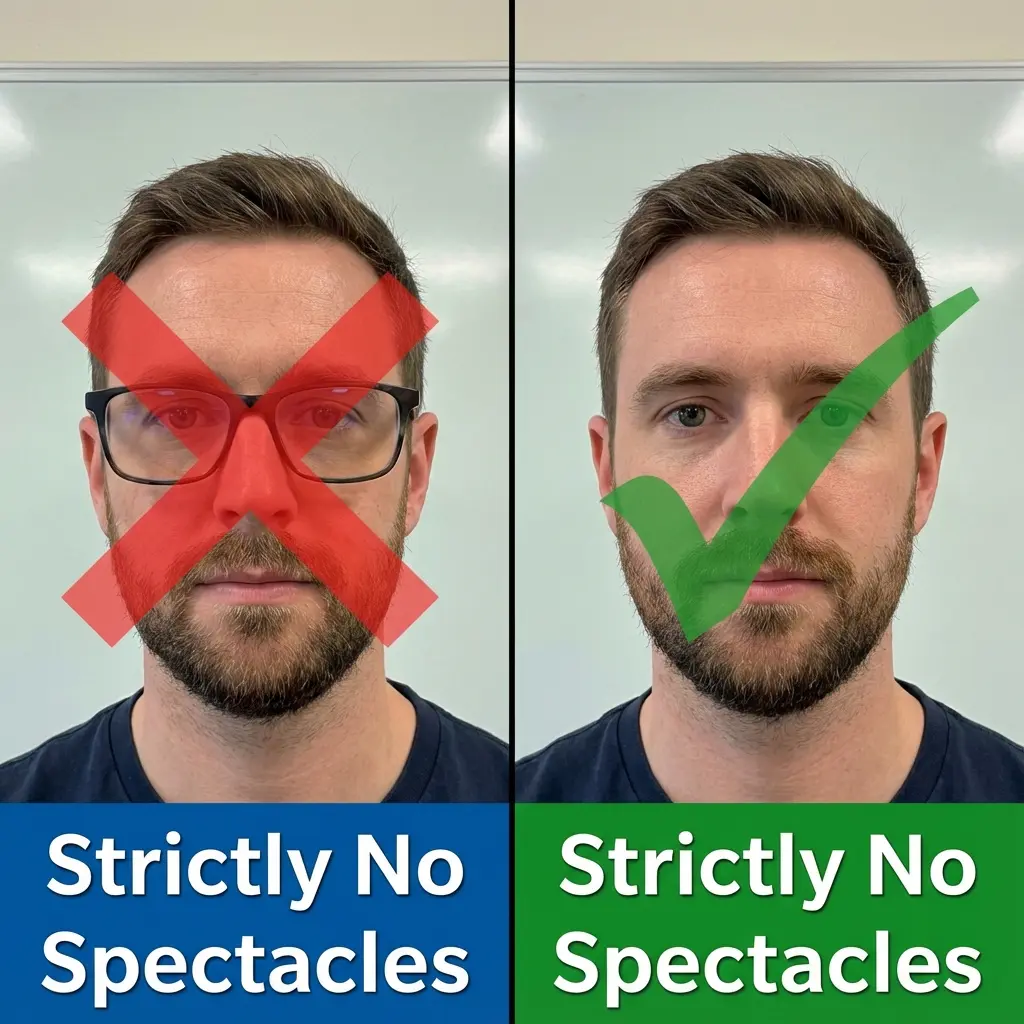 SSC Photo Rules: Spectacles vs No Spectacles Comparison
Recommended Gear for Aspirants
If you are running a small Cyber Cafe or helping friends, having the right hardware helps. A good scanner is better than a phone camera.
FAQ: Quick Answers
Quick Tools
Frequently Asked Questions
SSC notifications usually say "not older than 3 months". If you look the same (no drastic haircut or beard change), it is usually fine. But given the stakes, clicking a fresh one takes 5 minutes. Why risk it?
No. Headgear is allowed only for religious reasons (like a Turban), and even then, your face (forehead to chin) must be clearly visible. Caps/Hats are strictly banned.
The upload button itself will likely be disabled. If you somehow bypass it, the backend validation will reject it. Stick to 45KB.
You must check the specific annexure of the 2026 notification. SSC changes this rule frequently. However, having a small date at the bottom is rarely a cause for rejection, whereas *missing* it when required is fatal. ---
Copy citation for academic or reference use:
DocSet Team
✓ VerifiedExperts in Document Processing & Government Exam Specifications. We research official notifications from SSC, UPSC, IBPS, and other bodies to provide accurate, up-to-date image resizing and document preparation guidelines.