On this page
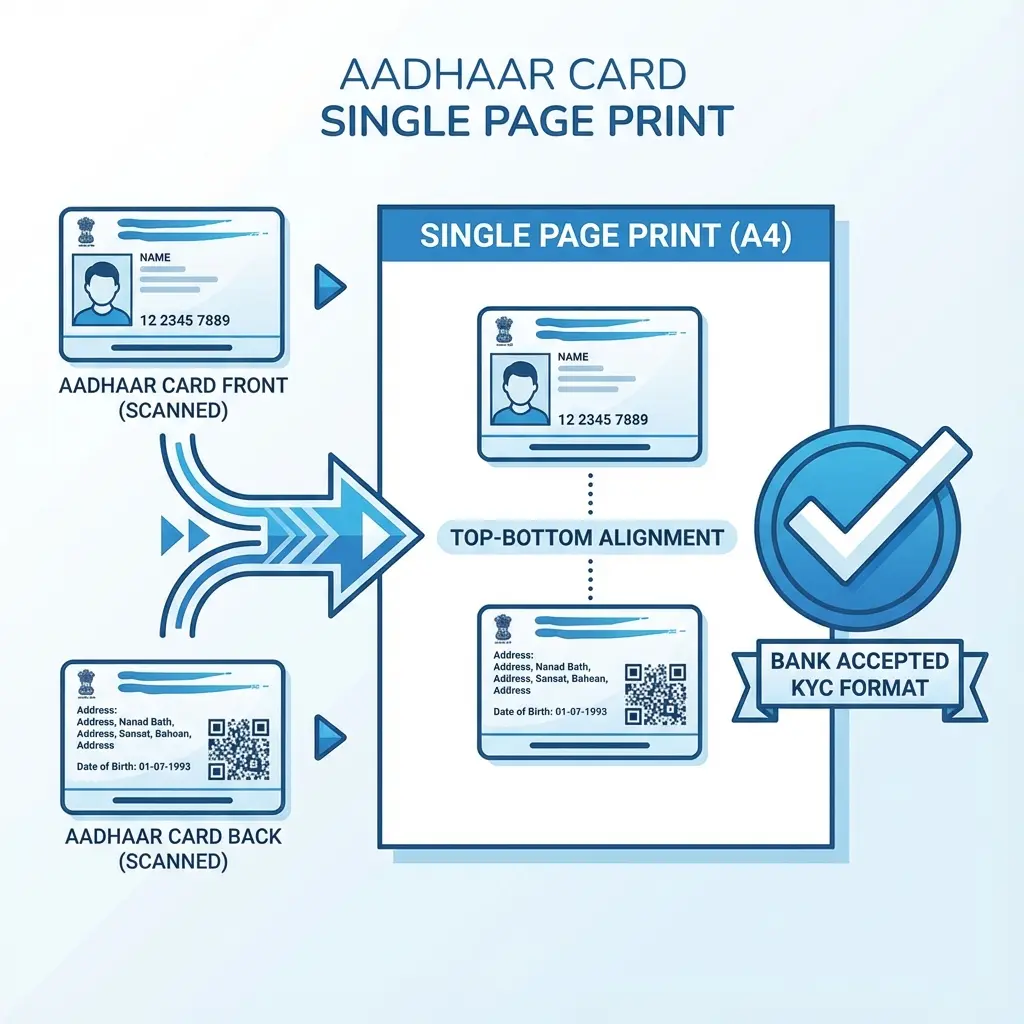
How to print Aadhaar Front and Back on one page?
- Open the Aadhaar Print Tool.
- Upload the image of the Front Side.
- Upload the image of the Back Side.
- The tool will automatically merge them onto a single A4 sheet.
- Click Download PDF and print it.
This format is accepted for Bank KYC, SIM activation, and College admissions.
You scanned the Front of the Aadhaar card. You scanned the Back. Now you have 2 separate image files. You need to print them on ONE SINGLE SIDE of an A4 paper for a Bank KYC, SIM card, or College Form.
Doing this in Word or Paint takes time and alignment skills. Our tool does it in 1 Click.
📋 Standard Accepted Format
This tool creates the standard "Top-Bottom" format (Front on top, Back on bottom) which is accepted by 100% of banks and government offices as a valid "Self-Attested Copy".
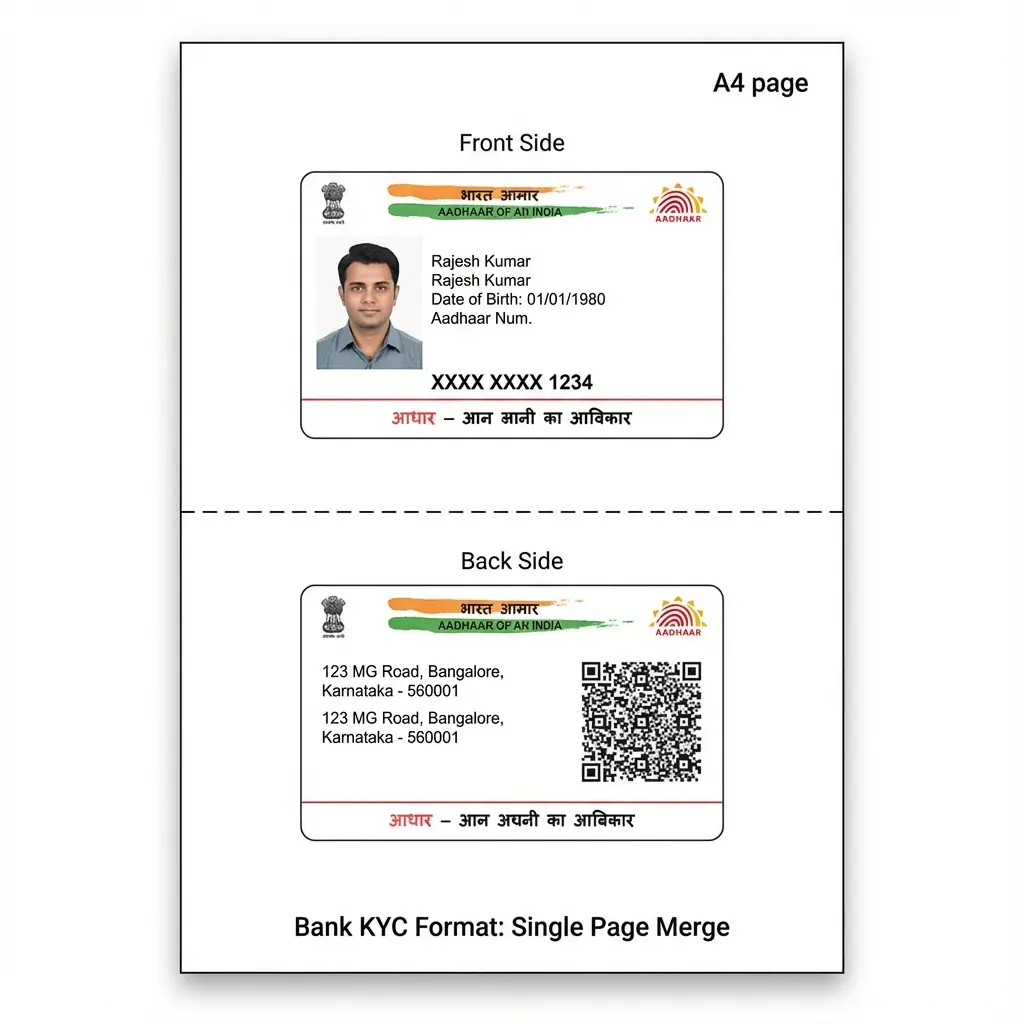 Aadhaar Card Single Page Layout: Front and Back Merged
Manual Method vs. Automatic Tool
Why struggle with manual editing when you can automate it?
| Feature | Manual (Word/Photoshop) | Automatic Tool |
|---|---|---|
| Time Taken | 10-15 Minutes | 10 Seconds |
| Alignment | Hard to align manually | Perfect Auto-Alignment |
| Size Accuracy | Often prints too small/big | Exact Credit Card Size |
| Cost | Needs costly software | 100% Free |
How to Print Aadhaar on One Page (Phone to Print)
- Open Tool: Go to Aadhaar Print Tool.
- Upload Front: Select the photo of the front side.
- Upload Back: Select the photo of the back side.
- Process: The tool merges them onto an A4 canvas.
- Print: Download the valid PDF and print it normally.
Important Rules for Valid KYC
- Readability: The text (Name, DOB, Address) must be readable. If your camera photo is blurry, retake it in good light.
- No Crop Needed: The tool automatically handles basic cropping, but try to frame the card properly when clicking.
- PDF Password: If you are using the official e-Aadhaar PDF, you must unlock it first. The password is usually the first 4 letters of your name (in CAPS) + Year of Birth (e.g., ANIS1990).
- Need help unlocking? Use our PDF Unlocker.
FAQ: Common Printing Doubts
Useful Tools for You
- Aadhaar Print Tool - Merge Front & Back
- Unlock Aadhaar PDF - Remove Password
- Compress PDF Size - Reduce file size for upload
Frequently Asked Questions
Usually, **No**. Banks and telecom operators prefer both sides on a single page to save paper and for easier filing. Submitting two separate pages often leads to rejection or a request to redo it.
Yes. For 99% of KYC purposes (Bank, School, Ration), a **Black & White** printout is perfectly valid. It saves ink and is cheaper.
Yes. It counts as a "True Copy" or "Photocopy". Once you sign it (Self-Attest), it becomes a valid legal document submission.
Absolutely. This tool works for **ANY** ID card that has two sides (Driving License, PAN, Voter ID, Health Card). ---
Copy citation for academic or reference use:
DocSet Team
✓ VerifiedExperts in Document Processing & Government Exam Specifications. We research official notifications from SSC, UPSC, IBPS, and other bodies to provide accurate, up-to-date image resizing and document preparation guidelines.