On this page
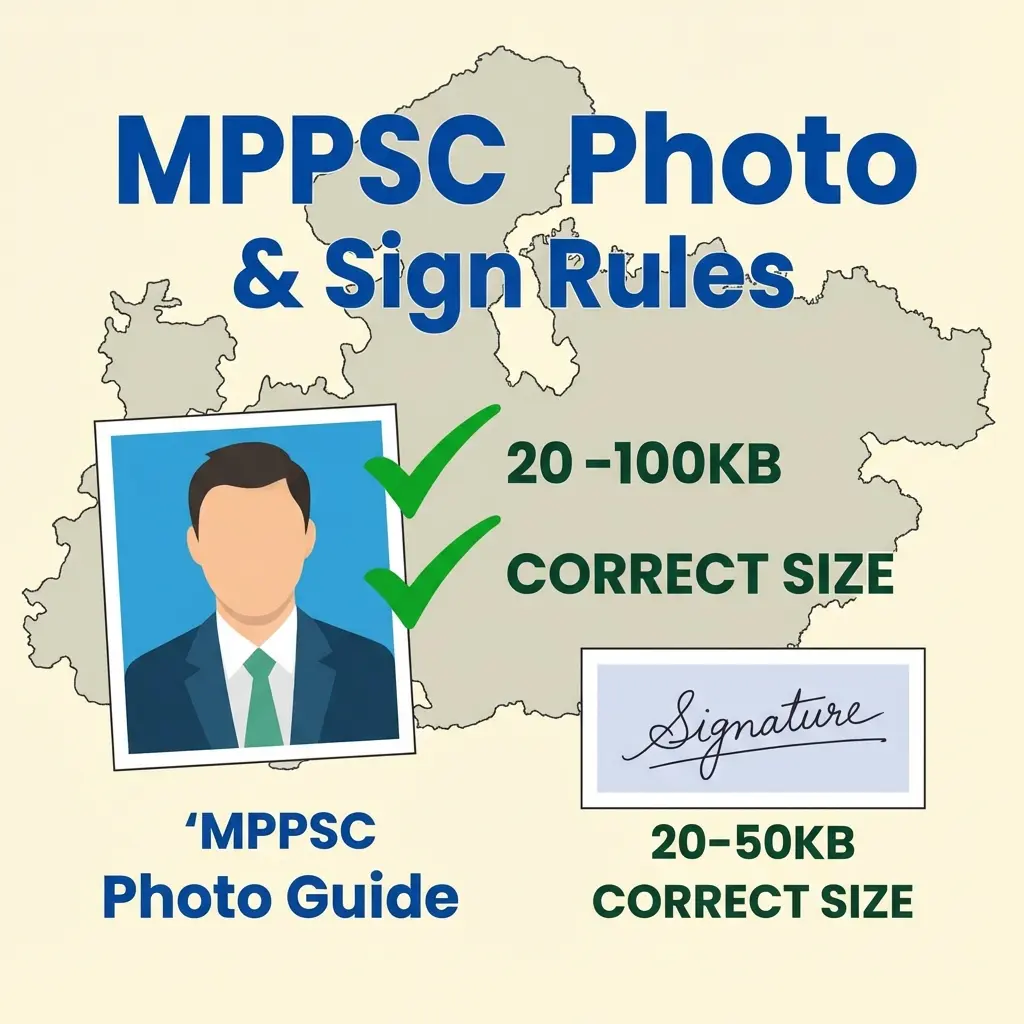
The Madhya Pradesh Public Service Commission (MPPSC) application forms are filled via MP Online. The portal is notorious for rejecting photos that don't meet the specific file size criteria.
Whether you are applying for the State Service Exam (SSE) or State Forest Service (SFS), the photo rules remain the same.
MPPSC Photo Requirements (2026)
- Format: JPG / JPEG.
- File Size: 20 KB to 100 KB.
- Dimensions: 3.5 cm (Width) x 4.5 cm (Height).
- Background: White or light-colored.
- Name & Date: Not explicitly mandatory in all MPPSC notifications (unlike Vyapam/ESB which strictly requires it), but highly recommended to add the Date of Photo to be safe.
- Glasses: No dark glasses. Regular spectacles are allowed if eyes are visible.
Note for MP ESB (Vyapam): If you are applying for other MP exams (Patwari, Constable) via ESB, you typically need a specific "Template" format (Photo + Signature + Hand Declaration in one image). This guide is for MPPSC (Civil Services) which usually asks for separate uploads.
MPPSC Signature Format
- Format: JPG / JPEG.
- File Size: 10 KB to 100 KB.
- Dimensions: 3.5 cm (Width) x 1.5 cm (Height).
- Ink: Black or Blue ink on white paper.
- Clarity: Must be clear. Blurry signatures taken from a distance are rejected.
How to Resize for MPPSC (MP Online)
- Go to the MPPSC Photo Resizer.
- Choose "Photo" to resize to 20-100KB (3.5x4.5cm).
- Choose "Signature" to resize to 10-100KB (3.5x1.5cm).
- Download and upload to MP Online portal.
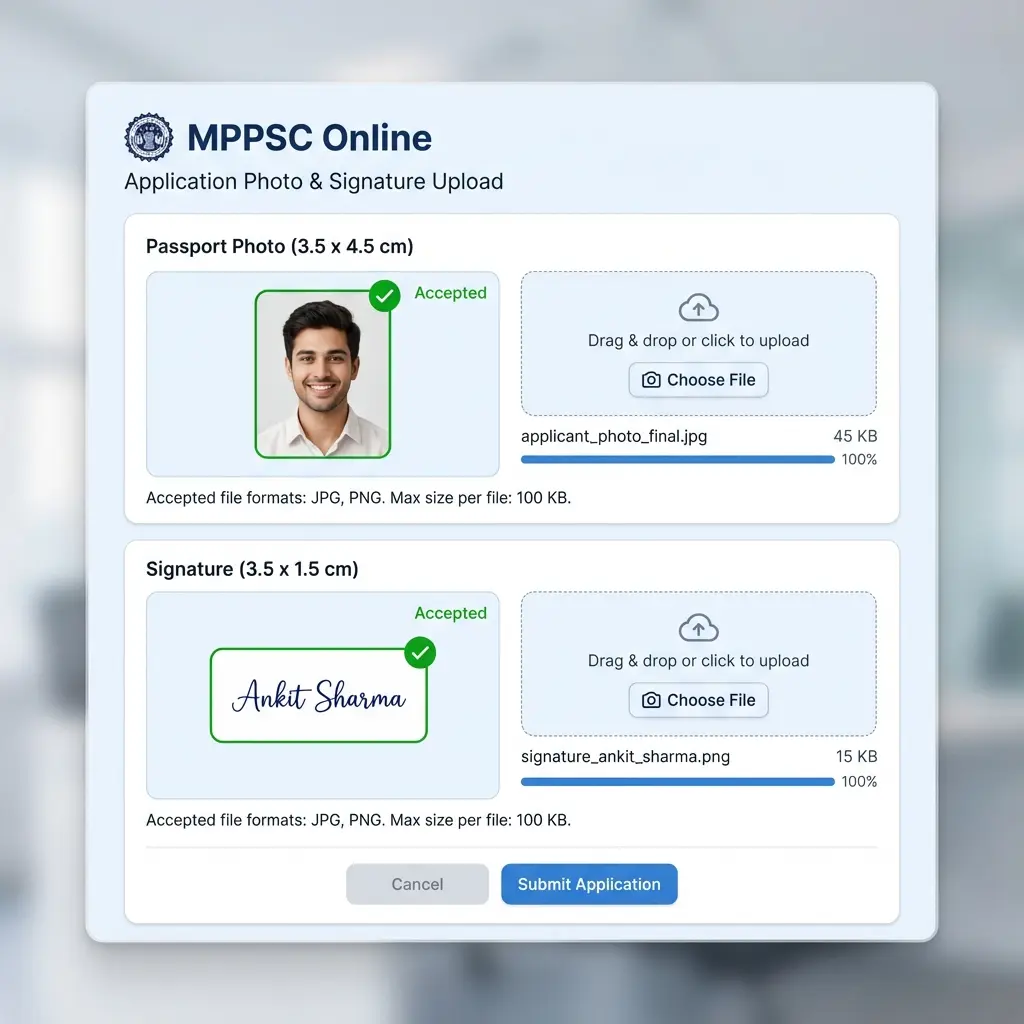 MPPSC Document Upload Interface: Correct Size & Dimensions
Common MP Online Errors
Error: "File size must be between 20KB and 100KB" Many candidates compress their photo too much (e.g., to 15KB). MPPSC has a minimum limit of 20KB. If your file is 18KB, it will be rejected. Our tool ensures it stays above 20KB.
Error: "Invalid Image Format"
Ensure you are uploading a .jpg file. PDF or PNG files are not accepted for the photo slot.
FAQ: MPPSC Uploads
Frequently Asked Questions
For generic MPPSC (Civil Services) exams, it acts as a safety measure but is not strictly enforced unless the notification says so. For Vyapam/ESB exams, it is **mandatory**.
This happens if you sign with a thin pen. Use a **thick black marker/gel pen** so the lines are visible even after compression.
MP Online usually provides a 2-day correction window with a ~₹50 fee. But don't rely on it; check your photo preview carefully before final submit. ---
Copy citation for academic or reference use:
DocSet Team
✓ VerifiedExperts in Document Processing & Government Exam Specifications. We research official notifications from SSC, UPSC, IBPS, and other bodies to provide accurate, up-to-date image resizing and document preparation guidelines.