On this page
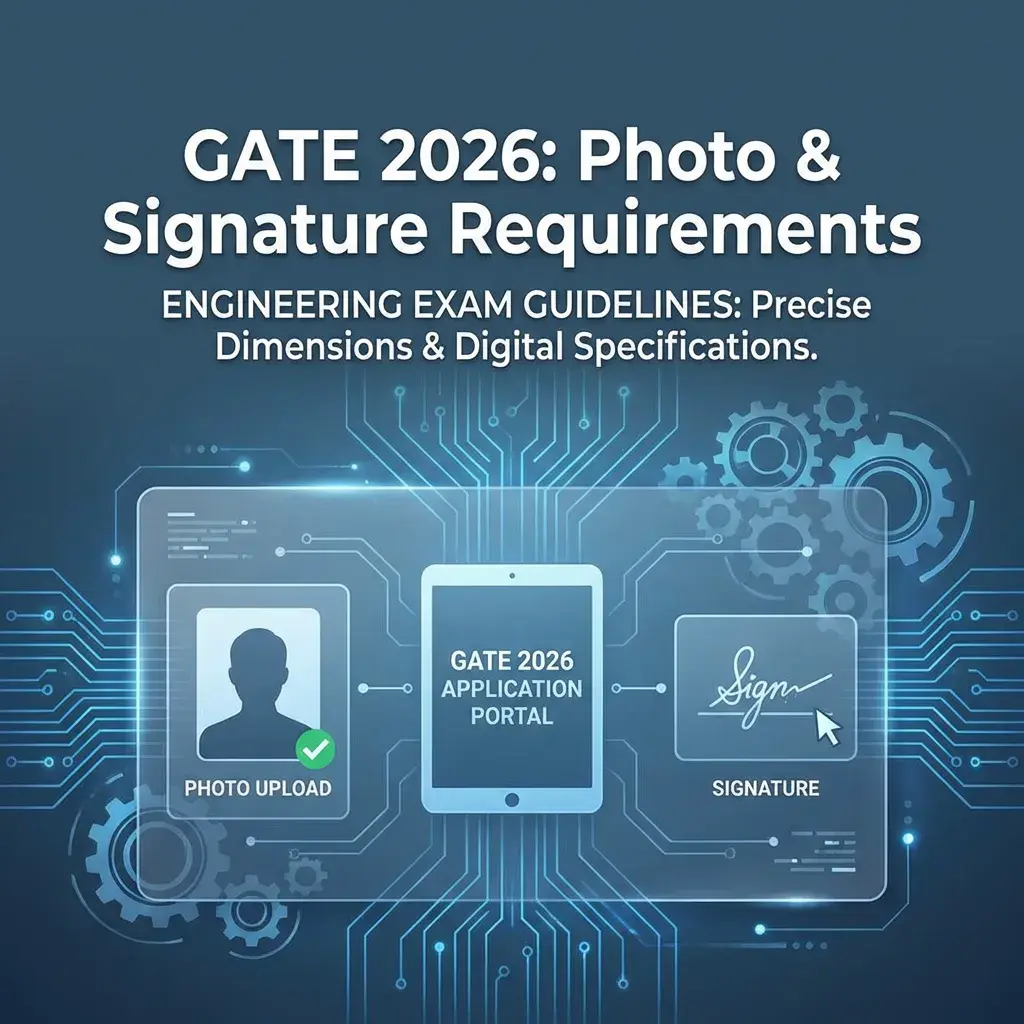
Quick Answer: For GATE 2026, the photo must be 10 KB to 200 KB (passport size, JPG/JPEG) and the signature must be 4 KB to 30 KB (JPG/JPEG). These will be printed on your admit card and used during COAP counseling.
🎓 Why It Matters
Unlike JEE or NEET, GATE allows a wider file size range. However, poor quality photos cause issues during M.Tech admission COAP (Common Offer Acceptance Portal) counseling when institutes verify your identity.
GATE 2026 Photo Specifications
Photo Requirements
- File Size: 10 KB to 200 KB
- Format: JPG or JPEG (compulsory)
- Dimensions: Not strictly defined, but should be passport size proportion
- Recommended: 3.5 cm × 4.5 cm (350×450 pixels minimum)
- Background: Plain white or light-colored
- Recency: Taken within last 3 months
- Quality: Clear, high resolution (at least 300 DPI)
Signature Requirements
- File Size: 4 KB to 30 KB
- Format: JPG or JPEG
- Dimensions: Not strictly defined
- Recommended: 140 (Width) × 60 (Height) pixels
- Ink: Dark blue or black ballpoint pen
- Paper: White A4 or bond paper
- Quality: Clear, not shaky, no smudges
Why GATE Photo Requirements Are Different
Unlike most exams, GATE:
- Allows a larger file size range (up to 200KB for photo)
- Doesn't enforce strict pixel dimensions
- Focuses on print quality because the photo appears on:
- GATE Admit Card
- GATE Score Card
- COAP Counseling documents (for M.Tech/M.E admissions)
⚠️ Common Mistake
Many candidates upload low-resolution photos (20KB) thinking smaller is safer. But GATE requires clarity, not compression. Aim for 100-150KB for best results.
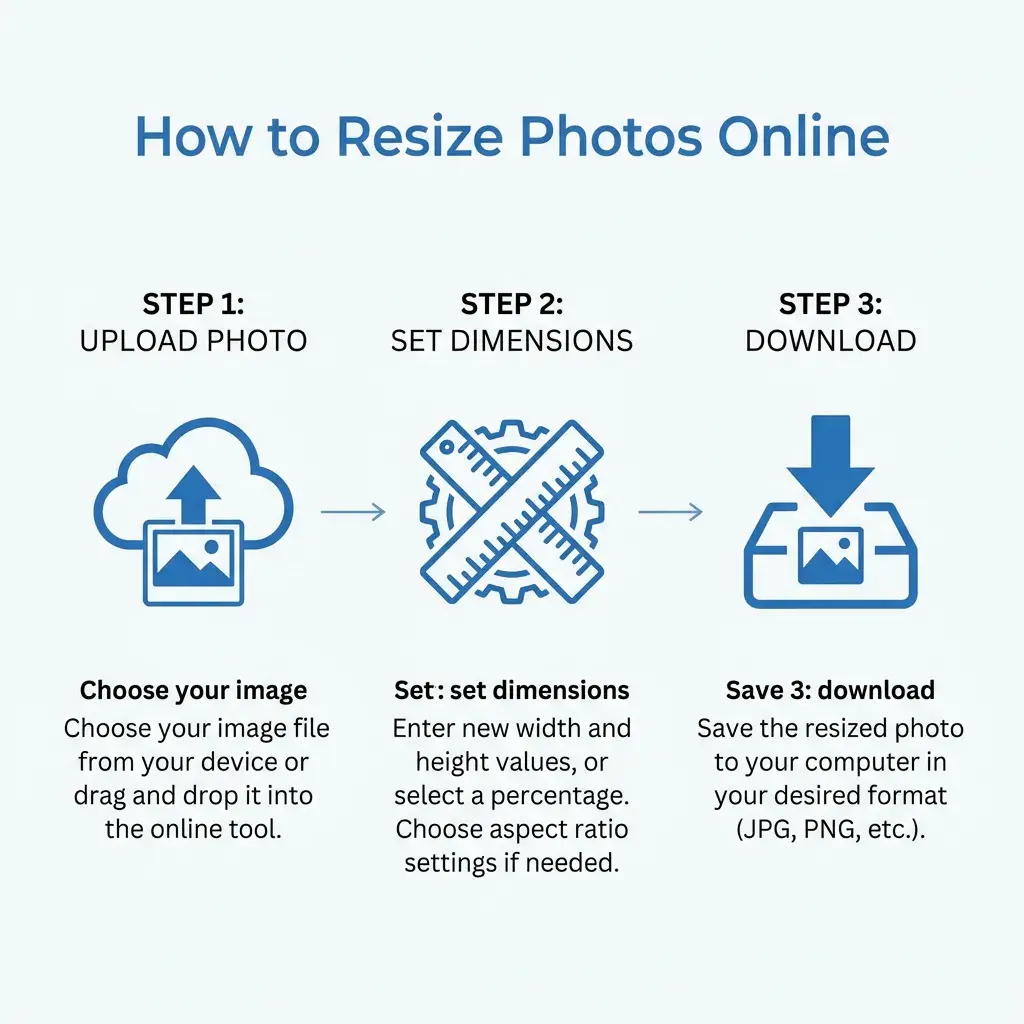
How to Resize Photo for GATE 2026 (Step-by-Step)
-
Take a professional photo:
- Go to a photo studio or use good lighting at home
- Wear formal/semi-formal attire
- Keep hair away from face
- Neutral expression
-
Open DocSet Custom Resizer:
- Go to Custom Resizer
- Upload your photo
-
Set Target Size:
- Enter Max Size: 150 KB (ideal balance)
- Dimensions: Auto (tool maintains aspect ratio)
-
Download and Verify:
- Check file size is between 10-200 KB
- Open the image to ensure it's clear
GATE Photo Do's and Don'ts
✅ Do's:
- Use recent photograph (within 3 months)
- Wear glasses if you normally wear them
- Ensure face covers 70-80% of photo frame
- Use high resolution (at least 300 DPI)
- Save in JPG/JPEG format
❌ Don'ts:
- No group photos (even if cropped)
- No selfies or mirror photos
- No caps, hats, or sunglasses (religious headgear allowed)
- No heavy makeup or filters
- No scanned photocopies of older photos
Final Checklist Before Submission
- Photo is in JPG/JPEG format
- Photo file size is between 10-200 KB (ideally 100-150 KB)
- Photo is recent (less than 3 months old)
- Photo has white or light background
- Face is clearly visible, no shadows
- Signature is in JPG/JPEG format
- Signature file size is 4-30 KB (ideally 15-20 KB)
- Signature is dark and clear
Summary: GATE 2026 allows generous file size limits (10-200KB for photo, 4-30KB for signature), but clarity matters more than compression. Always aim for 100-150 KB photos for best print quality on admit cards and score cards.
Quick Guide: How to Resize
Copy citation for academic or reference use:
DocSet Team
✓ VerifiedExperts in Document Processing & Government Exam Specifications. We research official notifications from SSC, UPSC, IBPS, and other bodies to provide accurate, up-to-date image resizing and document preparation guidelines.