On this page
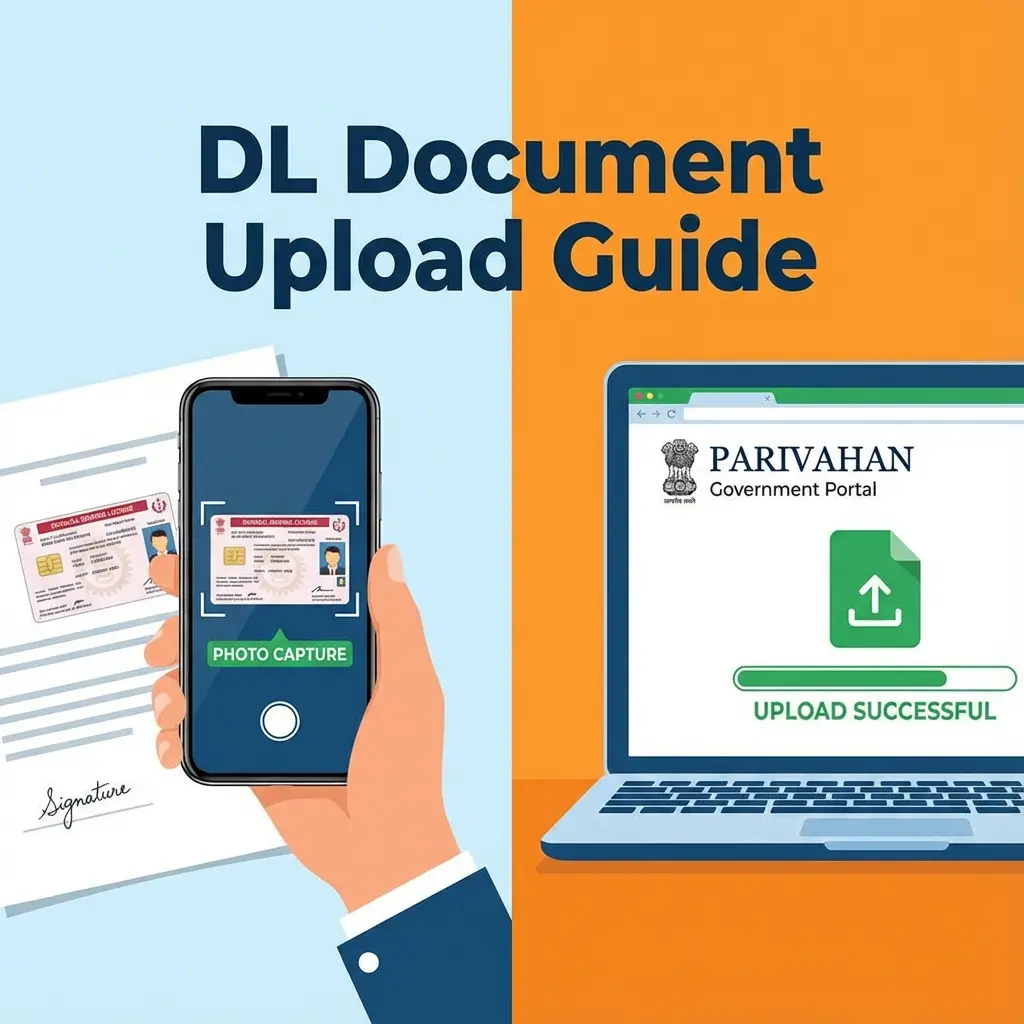
Applying for a Learner's Licence (LL) or Permanent Driving Licence (DL) on the Parivahan Sarathi portal is convenient, until you hit the "Document Upload" stage.
The most common error users face is:
"File size should be between 10KB and 20KB"
Let's be honest: 20KB is microscopic. A standard iPhone photo is 2,000KB (2MB). Shrinking it by 100 times manually often makes it look like a blurry block of pixels, which usually leads to rejection by the RTO officer during scrutiny.
This guide fixes that. We use smart compression to keep the file under 20KB while keeping your face visible.
⚠️ Why 20KB?
Government servers save millions of records. To save space, they enforce this ancient 20KB limit. You cannot argue with the server; you must comply.
Cheat Sheet: Parivahan Requirements (2026)
| Document | File Size | Dimensions | Format |
|---|---|---|---|
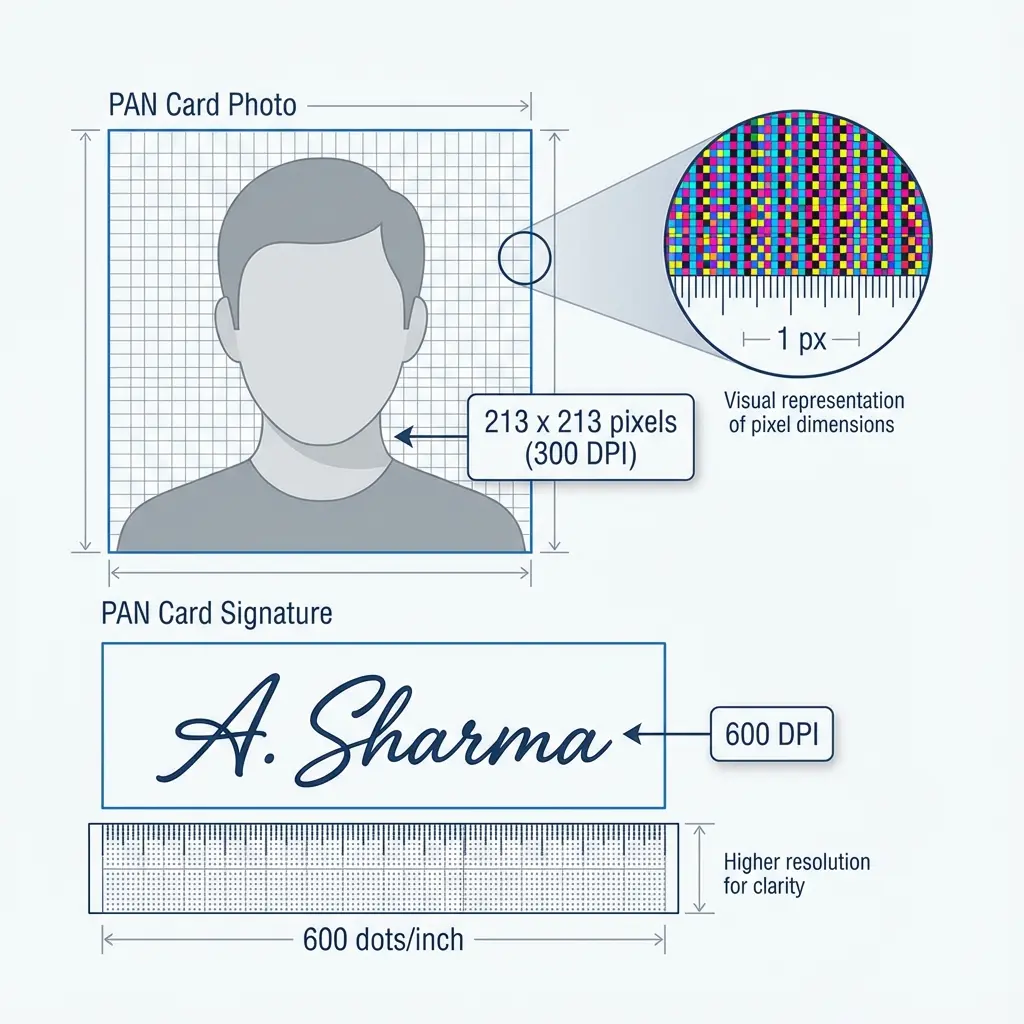
| Photo | 10 KB – 20 KB | 35mm x 45mm | JPEG / JPG |
| Signature | 10 KB – 20 KB | 3.5cm x 1.5cm | JPEG / JPG |
| Medical (Form 1A) | Under 200 KB | - | PDF / JPEG |
 Parivahan DL Document Upload Rules & Dimensions
How to Resize for Parivahan (Step-by-Step)
If you are seeing "Error: File size too large" or "Invalid Dimensions", follow this:
- Open the Tool: Go to the Driving Licence Resizer.
- Select Type: Choose 'Photo' or 'Signature'.
- Upload: Select your file.
- Auto-Fix: The tool forces the size to fall strictly between 10KB and 20KB without making it unrecognizable.
- Download: Ready for Sarathi upload.
3. Signature Requirements (Crucial)
This is mandatory for almost all applicants (LL, DL, Renewal).
- Ink: Black or Blue ink on plain white paper.
- Sign Style: Full signature (Initials are sometimes rejected).
- Aspect Ratio: The width should be roughly 3 times the height.
Pro Tip: If your signature background looks grey/dull in the photo, use our Signature Cleaner first to make it pure white.
FAQ: Upload Errors
Useful Tools
Frequently Asked Questions
This means your aspect ratio is wrong. Our tool fixes this automatically by cropping to the correct 3.5:1.5 ratio.
No. A proper passport-style photo is required. Selfies are often rejected during the RTO scrutiny process.
This is normal for such small sizes. As long as the **eyes and nose** are distinguishable, the RTO accepts it. Our tool optimizes specifically for facial features. ---
Copy citation for academic or reference use:
DocSet Team
✓ VerifiedExperts in Document Processing & Government Exam Specifications. We research official notifications from SSC, UPSC, IBPS, and other bodies to provide accurate, up-to-date image resizing and document preparation guidelines.