On this page
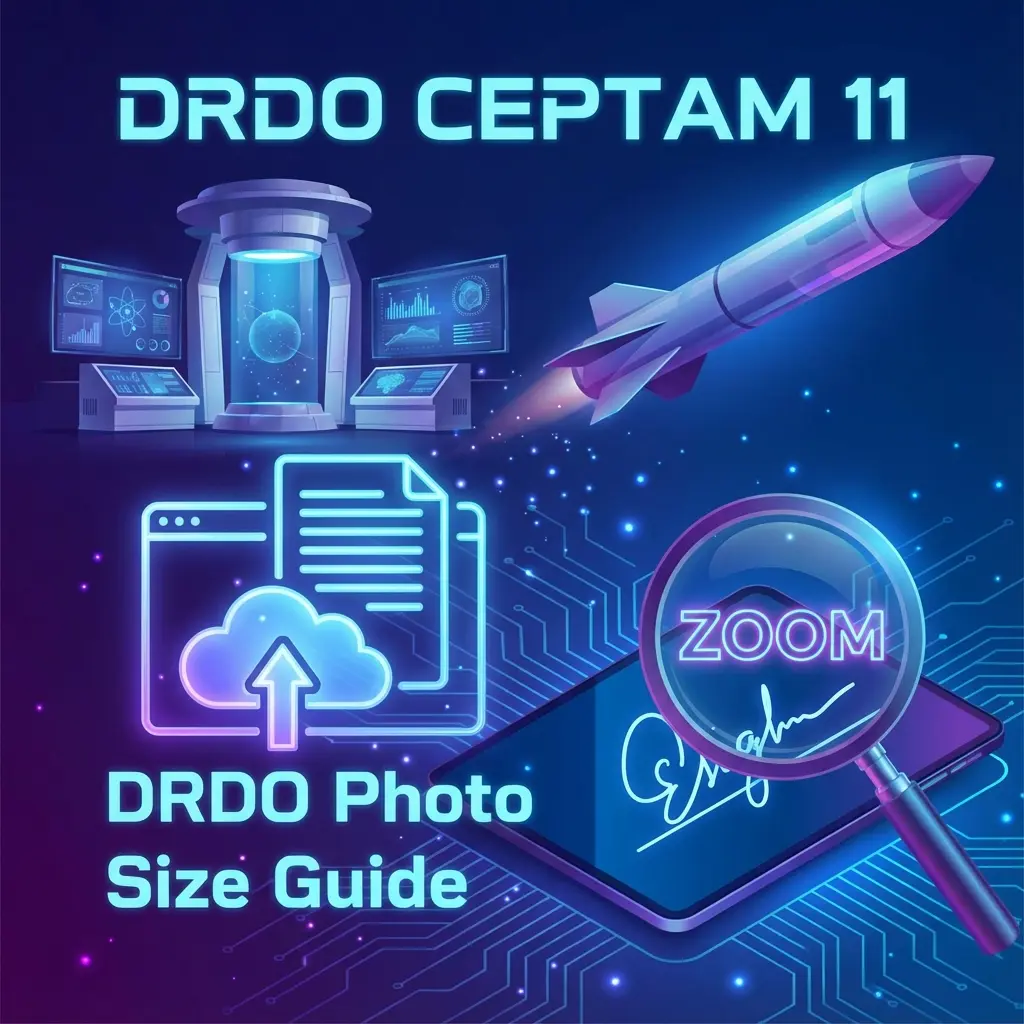
DRDO (Defence Research and Development Organisation) is significantly stricter than other exams when it comes to document clarity. For CEPTAM 11 (A&A or Tech-A), a blurred signature or incorrect photo background is the fastest way to get disqualified during the scrutiny stage.
This guide provides the official specifications for DRDO photo and signature uploads and a 1-click solution to fix them.
📸 Quick Specs Summary
- Photo: 15KB - 40KB (or 20-50KB depending on specific notification).
- Signature: 10KB - 20KB (Strict).
- Format: JPEG/JPG only.
Official DRDO Photo Requirements
According to the official CEPTAM notification, your photograph must meet these criteria:
- Dimensions: Standard Passport Size (3.5 cm width x 4.5 cm height).
- File Size: Must be between 20 KB and 50 KB (Some older notifications said 15-40KB, but 20-40KB is the safe zone).
- Background: White or light-colored background.
- Recency: Taken within the last 30 days.
- Face: Face should cover 70-80% of the photo area. No masks.
Warning: Do not take a photo of a photo. It creates a "Moiré pattern" (lines on face) which AI scanners reject immediately.
Signature Guidelines (Critical)
The signature causes more rejections than the photo in DRDO exams.
- Paper: White A4 paper only.
- Pen: Blue or Black Ball Point Pen (Gel pen can smudge).
- Size: 10 KB to 20 KB.
- Dimensions: Approximately 150 x 150 pixels or 3.5cm x 1.5cm.
- Style: Signature must be in running handwriting. Capital letters (e.g., "RAHUL") are typically rejected as they don't count as a signature.
How to Resize for DRDO (Free Tool)
You don't need Photoshop. Use our dedicated DRDO Resizer:
- Click & Upload: Go to the DRDO Photo Resizer.
- Auto-Crop: The tool automatically sets the aspect ratio to 3.5x4.5cm.
- Compress: It compresses the file to the exact 20-50KB range required.
- Signature: Switch to the "Signature" tab to get that tricky 10-20KB size.
 DRDO CEPTAM Photo & Signature Resizer Interface
Common Queries (FAQ)
Useful Links
Frequently Asked Questions
No. Selfies distort facial features. Use the rear camera or ask a friend to click.
No, it must be at least 10KB. Our tool increases the size without losing quality if your file is too small.
Check the specific CEPTAM advertisement. Usually, DRDO does **not** mandate a date on the photo, unlike SSC. However, a plain photo is safer unless specified. ---
Copy citation for academic or reference use:
DocSet Team
✓ VerifiedExperts in Document Processing & Government Exam Specifications. We research official notifications from SSC, UPSC, IBPS, and other bodies to provide accurate, up-to-date image resizing and document preparation guidelines.