On this page

Advertisement
You've prepared for months. Syllabus: done. Practice tests: done. You open the CTET registration portal, fill every field carefully — and then the photo upload page.
You try your passport photo. "Invalid Dimensions." You compress it. "File size not in range." You're not alone. CBSE's automated system rejects thousands of valid, eligible candidates every year for photo errors that have nothing to do with their teaching qualification.
This guide fixes it in under 2 minutes.
⚠️ CBSE is Strict!
CTET applications with incorrect photo/signature dimensions are auto-rejected. Unlike other exams, CTET enforces both pixel dimensions AND file size limits.
CTET Photo & Signature Requirements (2026)
Photo Specifications
- Dimensions: 4.5 cm (Height) × 3.5 cm (Width)
- In pixels: ~530 × 410 pixels (at 300 DPI)
- File Size: 10 KB to 100 KB
- Format: JPG or JPEG only (PNG not allowed)
- Background: White or light-colored (plain)
- Recency: Taken within last 3 months
- Quality: Clear face, no pixelation or blur
Signature Specifications
- Dimensions: 3.5 cm (Width) × 1.5 cm (Height)
- In pixels: ~410 × 180 pixels (at 300 DPI)
- File Size: 10 KB to 100 KB
- Format: JPG or JPEG
- Ink: Dark blue or black ballpoint pen (not gel pen)
- Quality: Clear, bold signature (not shaky)
Advertisement
Why CTET Photo Requirements Are Strict
CTET (conducted by CBSE) uses automated verification:
- Face Recognition Software matches your photo during the exam
- Photos are printed on Admit Card and Exam Hall Attendance
- Poor quality photos cause verification delays at exam centers
- Incorrect dimensions trigger automatic rejection
📸 Common Rejection Reason
Many candidates upload selfies or phone photos without checking dimensions. CTET requires professional passport-size photos with exact centimeter measurements.
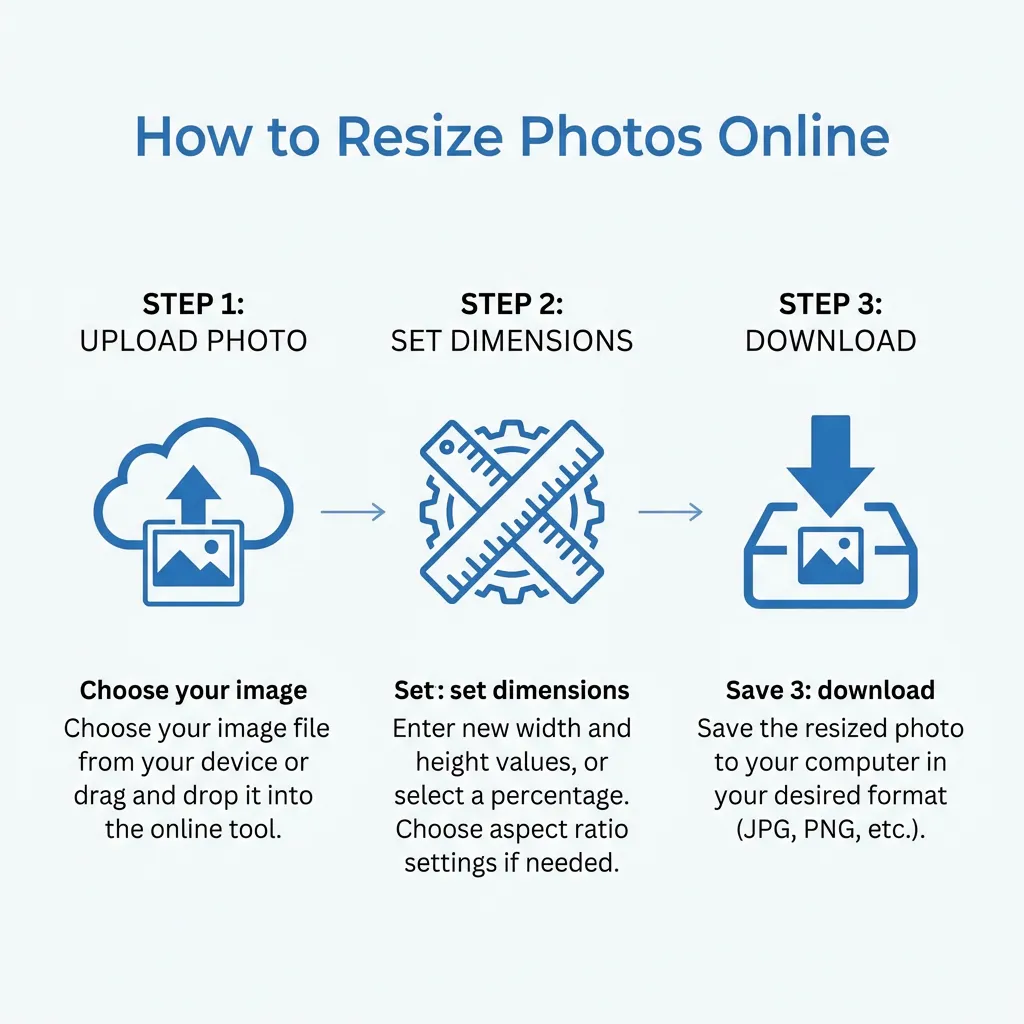
How to Resize Photo for CTET (Step-by-Step)
-
Get a passport-size photo:
- Visit a professional photo studio
- Request "CTET format: 4.5cm × 3.5cm, white background"
- Get digital copy (JPG format)
-
Open DocSet Custom Resizer:
- Go to Custom Resizer
- Upload your photo
-
Set Exact Dimensions:
- Width: 3.5 cm
- Height: 4.5 cm
- Max Size: 100 KB
-
Download and Verify:
- Check file is JPG/JPEG format
- Verify size is 10-100 KB
- Ensure image is clear when opened
Advertisement
CTET Photo Dos and Don'ts
✅ Do's:
- Use recent photograph (within 3 months)
- Wear formal or traditional attire
- Keep hair neatly combed, away from face
- Neutral facial expression (no smile)
- Look directly at camera
- Use professional studio lighting
- Wear glasses if you normally wear them
❌ Don'ts:
- No selfies or smartphone photos without proper setup
- No group photos (even if cropped)
- No caps, hats, or sunglasses
- No heavy jewelry or accessories
- No makeup filters or beautification
- No scanned photocopies of old photos
- No shadows on face or background
Final Checklist Before Submission
- Photo is exactly 4.5cm Height × 3.5cm Width
- Photo file size is between 10-100 KB (ideal: 50-80 KB)
- Photo is in JPG/JPEG format (not PNG/HEIC)
- Photo is recent (less than 3 months old)
- Photo has plain white background
- Face is clearly visible, no shadows or blur
- Signature is exactly 3.5cm Width × 1.5cm Height
- Signature file size is 10-100 KB (ideal: 30-50 KB)
- Signature is in JPG/JPEG format
- Signature is dark and clear (black/blue ink)
Advertisement
Summary: CTET has strict photo (4.5×3.5cm) and signature (3.5×1.5cm) requirements enforced by CBSE's automated system. Always use a professional photo studio or precise online resizer. Incorrect dimensions lead to instant application rejection.
Quick Guide: How to Resize
Advertisement
Advertisement
Copy citation for academic or reference use:
DocSet Team
✓ VerifiedExperts in Document Processing & Government Exam Specifications. We research official notifications from SSC, UPSC, IBPS, and other bodies to provide accurate, up-to-date image resizing and document preparation guidelines.


