On this page
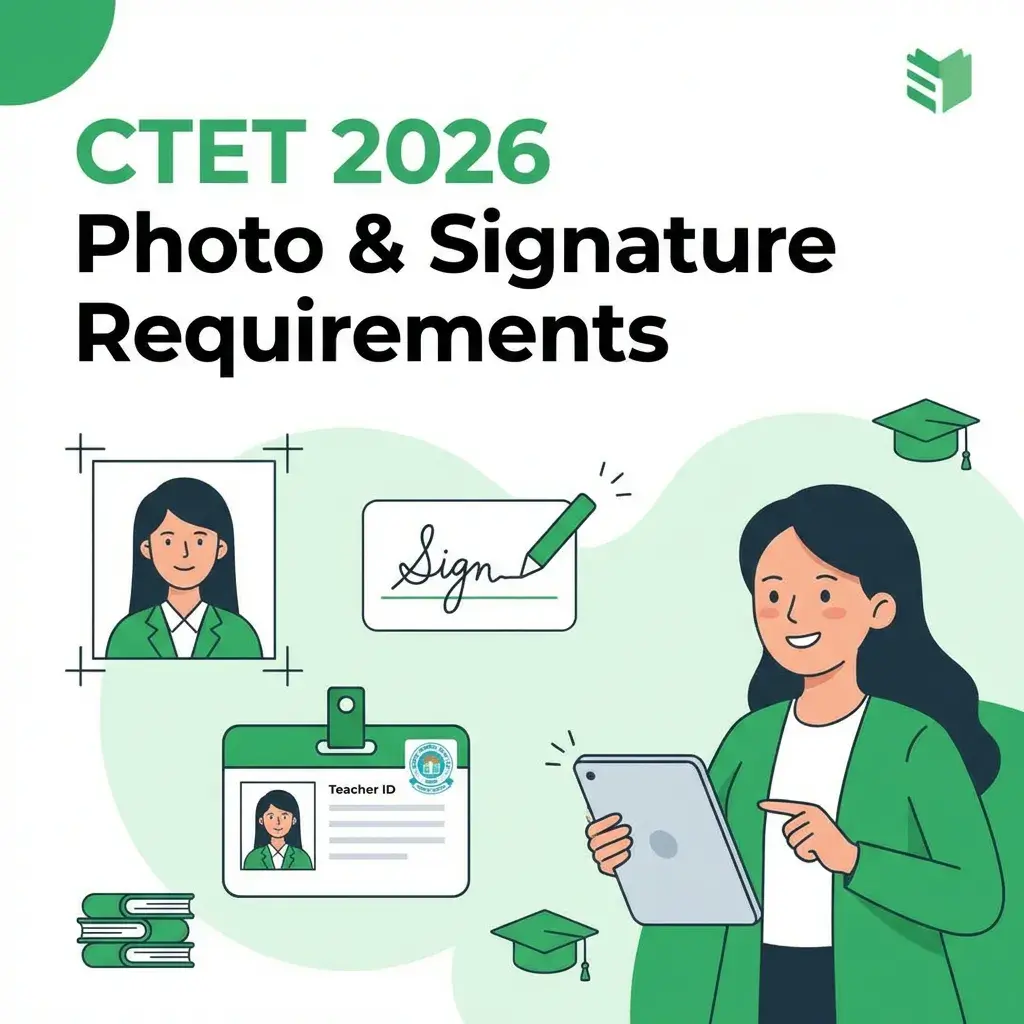
Quick Answer: For CTET (Central Teacher Eligibility Test), the photo must be 4.5cm × 3.5cm (10-100 KB) and the signature must be 3.5cm × 1.5cm (10-100 KB). Format: JPG/JPEG only.
⚠️ CBSE is Strict!
CTET applications with incorrect photo/signature dimensions are auto-rejected. Unlike other exams, CTET enforces both pixel dimensions AND file size limits.
CTET Photo & Signature Requirements (2026)
Photo Specifications
- Dimensions: 4.5 cm (Height) × 3.5 cm (Width)
- In pixels: ~530 × 410 pixels (at 300 DPI)
- File Size: 10 KB to 100 KB
- Format: JPG or JPEG only (PNG not allowed)
- Background: White or light-colored (plain)
- Recency: Taken within last 3 months
- Quality: Clear face, no pixelation or blur
Signature Specifications
- Dimensions: 3.5 cm (Width) × 1.5 cm (Height)
- In pixels: ~410 × 180 pixels (at 300 DPI)
- File Size: 10 KB to 100 KB
- Format: JPG or JPEG
- Ink: Dark blue or black ballpoint pen (not gel pen)
- Quality: Clear, bold signature (not shaky)
Why CTET Photo Requirements Are Strict
CTET (conducted by CBSE) uses automated verification:
- Face Recognition Software matches your photo during the exam
- Photos are printed on Admit Card and Exam Hall Attendance
- Poor quality photos cause verification delays at exam centers
- Incorrect dimensions trigger automatic rejection
📸 Common Rejection Reason
Many candidates upload selfies or phone photos without checking dimensions. CTET requires professional passport-size photos with exact centimeter measurements.
How to Resize Photo for CTET (Step-by-Step)
-
Get a passport-size photo:
- Visit a professional photo studio
- Request "CTET format: 4.5cm × 3.5cm, white background"
- Get digital copy (JPG format)
-
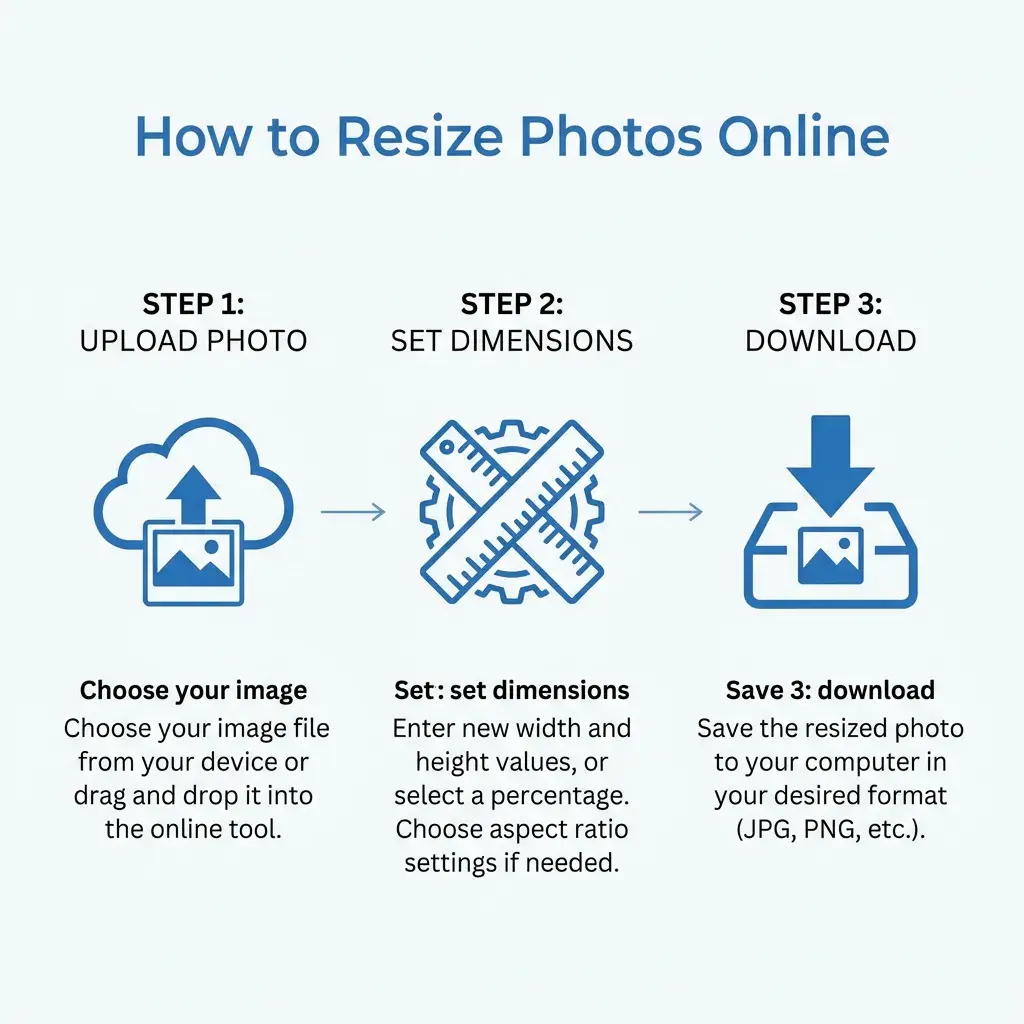
Open DocSet Custom Resizer:
- Go to Custom Resizer
- Upload your photo
-
Set Exact Dimensions:
- Width: 3.5 cm
- Height: 4.5 cm
- Max Size: 100 KB
-
Download and Verify:
- Check file is JPG/JPEG format
- Verify size is 10-100 KB
- Ensure image is clear when opened
CTET Photo Dos and Don'ts
✅ Do's:
- Use recent photograph (within 3 months)
- Wear formal or traditional attire
- Keep hair neatly combed, away from face
- Neutral facial expression (no smile)
- Look directly at camera
- Use professional studio lighting
- Wear glasses if you normally wear them
❌ Don'ts:
- No selfies or smartphone photos without proper setup
- No group photos (even if cropped)
- No caps, hats, or sunglasses
- No heavy jewelry or accessories
- No makeup filters or beautification
- No scanned photocopies of old photos
- No shadows on face or background
Final Checklist Before Submission
- Photo is exactly 4.5cm Height × 3.5cm Width
- Photo file size is between 10-100 KB (ideal: 50-80 KB)
- Photo is in JPG/JPEG format (not PNG/HEIC)
- Photo is recent (less than 3 months old)
- Photo has plain white background
- Face is clearly visible, no shadows or blur
- Signature is exactly 3.5cm Width × 1.5cm Height
- Signature file size is 10-100 KB (ideal: 30-50 KB)
- Signature is in JPG/JPEG format
- Signature is dark and clear (black/blue ink)
Summary: CTET has strict photo (4.5×3.5cm) and signature (3.5×1.5cm) requirements enforced by CBSE's automated system. Always use a professional photo studio or precise online resizer. Incorrect dimensions lead to instant application rejection.
Quick Guide: How to Resize
Copy citation for academic or reference use:
DocSet Team
✓ VerifiedExperts in Document Processing & Government Exam Specifications. We research official notifications from SSC, UPSC, IBPS, and other bodies to provide accurate, up-to-date image resizing and document preparation guidelines.