On this page
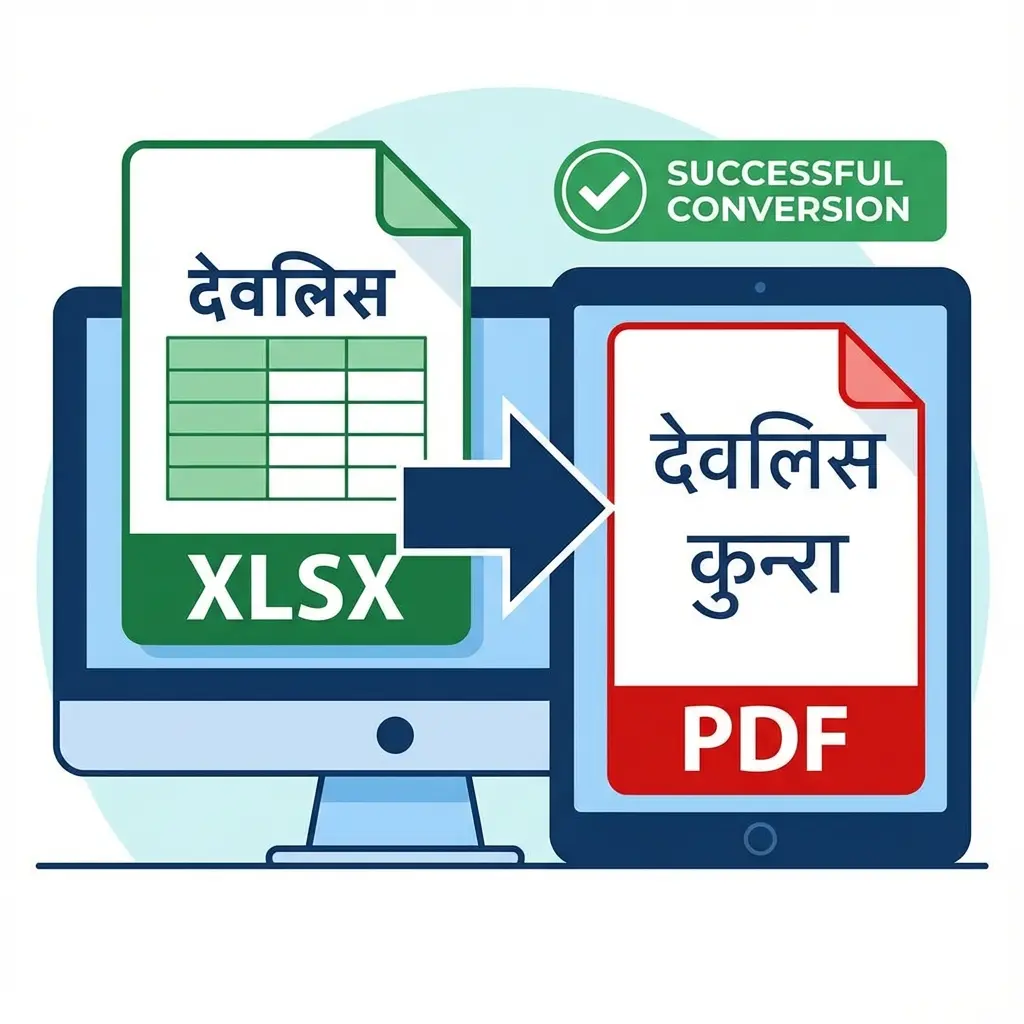
Why This Happens?
Excel encodes fonts differently than PDF. If the PDF engine doesn't have the "Devlys 010" font file embedded during conversion, it falls back to a default font (Arial), which turns Hindi characters into English gibberish.
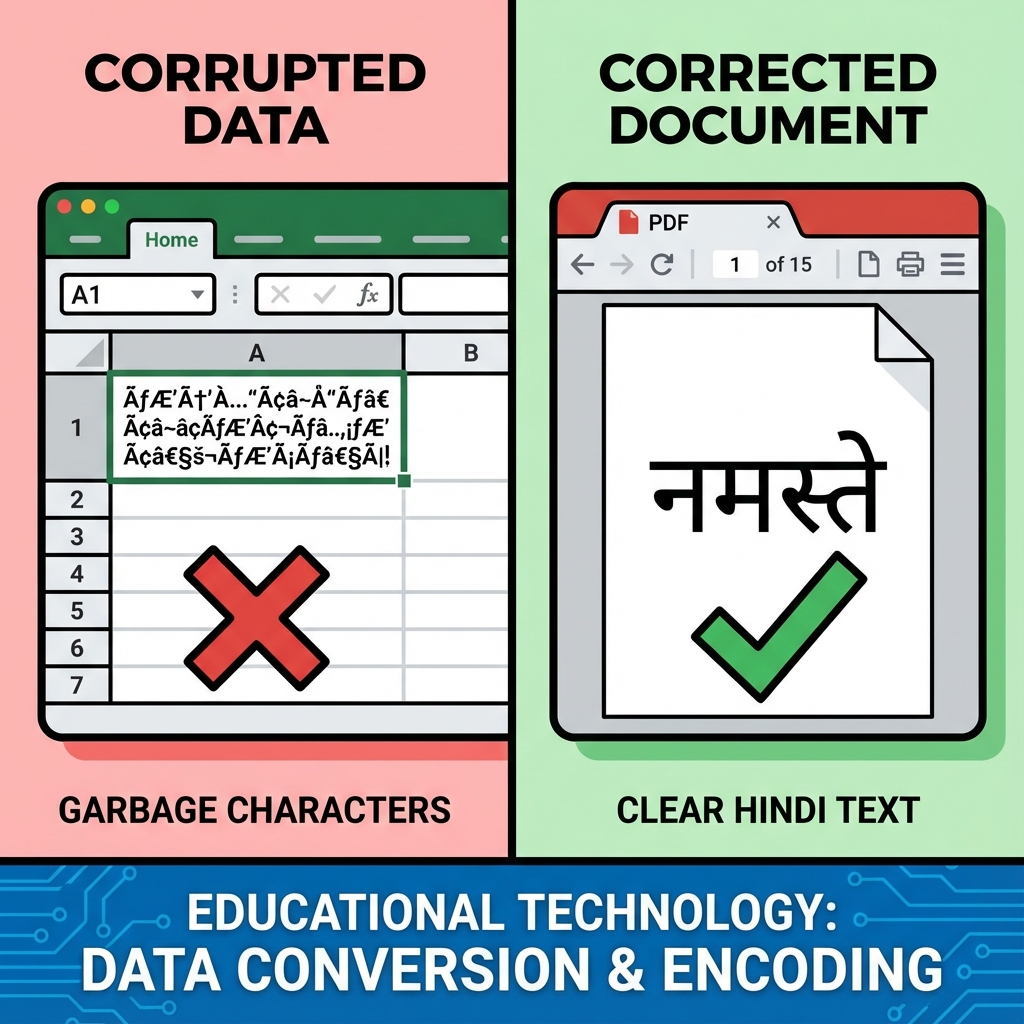 Excel to PDF Hindi Font Fix: Before vs After
FAQ: Hindi Excel Conversion
Q: Do I need to install fonts? A: No. Our converter tool has the Devlys font embedded in the server. You just upload the file, and we handle the font mapping.
Q: Can I convert multiple sheets? A: Currently, the tool converts the active sheet. For multiple sheets, save them as separate Excel files or use the "Print to PDF" option if you have the font installed locally.
Q: Does it support Kruti Dev? A: Yes, Kruti Dev and Devlys 010 are technically very similar. This tool works correctly for Kruti Dev Excel sheets as well.
You have an Excel sheet (Merit List, Staff List) typed in Hindi (Devlys 010). It looks perfect in Excel. You click "Save as PDF". Suddenly, all Hindi names turn into English Garbage:
- "भारत" becomes "Hkkjr"
- "दिनांक" becomes "fnukad"
This is a nightmare when sending reports to officers.
The Fix: You need a converter that Embedding the Font. Microsoft Excel often skips this step for legacy fonts. Our tool forces it.
🚫 Why Standard Converters Fail
Standard online tools assume your text is Modern (Unicode/Mangal). They don't have the old 1990s 'Devlys' font file in their server. So they render standard English letters. Our tool has the Devlys engine built-in.
Cheat Sheet: Which Font Do You Have?
| Symptom | Font Type | Solution |
|---|---|---|
| Text looks like Hkkjr in Formula Bar | Devlys/Kruti (Legacy) | Use THIS Tool |
| Text looks like भारत in Formula Bar | Mangal (Unicode) | Any PDF Tool works |
How to Convert Without Errors
- Open Tool: Go to Hindi Excel to PDF.
- Upload: Select your
.xlsxor.xlsfile. - Engine: Select "Kruti Dev / Devlys Mode" (It's usually selected by default).
- Convert: Our server opens the file, applies the font physically, and prints the PDF.
- Download: Your PDF will read "भारत", not "Hkkjr".
Useful Tools
DocSet Team
Experts in Document Processing & Government Exam Specifications. We research official notifications from SSC, UPSC, IBPS, and other bodies to provide accurate, up-to-date image resizing and document preparation guidelines.