On this page
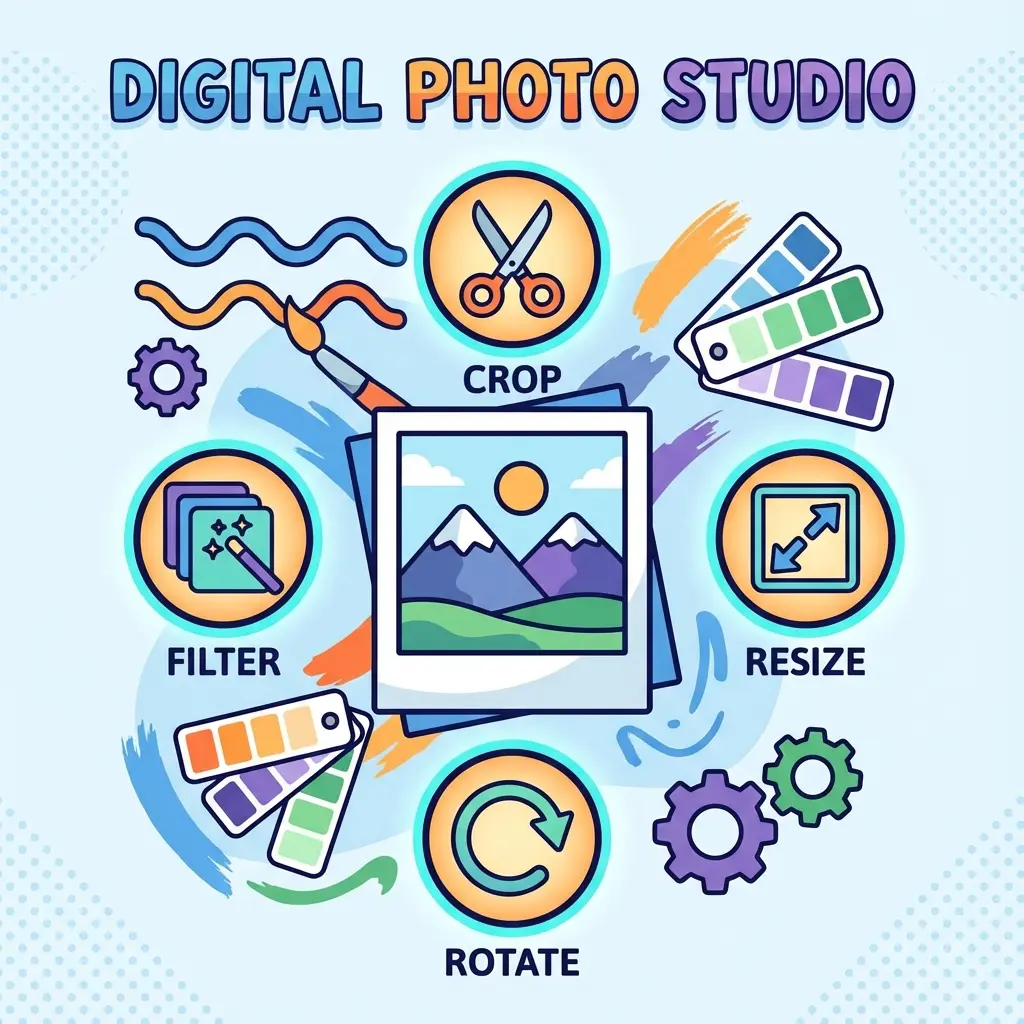
Most E-Mitra operators open Photoshop 50 times a day.
- To resize a photo: 2 minutes.
- To clear a signature background: 5 minutes.
- To set 8 photos on a page: 10 minutes.
Total Time Wasted: 2 Hours/Day.
Time is money. We built 5 dedicated tools that do these specific tasks in seconds, not minutes. No software installation needed.
🛠️ The E-Mitra Toolkit
Bookmark this page. These tools are designed for the Indian "Sarkari" workflow, handling specific kb limits and page sizes like A4/4x6.
Cheat Sheet: Which Tool for What?
| Task | Tool Name | Time Saved |
|---|---|---|
| Form Photo Resize | Image Resizer | 2 Mins -> 10 Secs |
| Signature Cleaning | Signature Cleaner | 5 Mins -> 5 Secs |
| 8 Passport Photos | Passport Sheet | 10 Mins -> 5 Secs |
| Aadhaar Print | Aadhaar Print | 5 Mins -> 10 Secs |
| PVC Card Setup | ID Card Maker | 15 Mins -> 30 Secs |
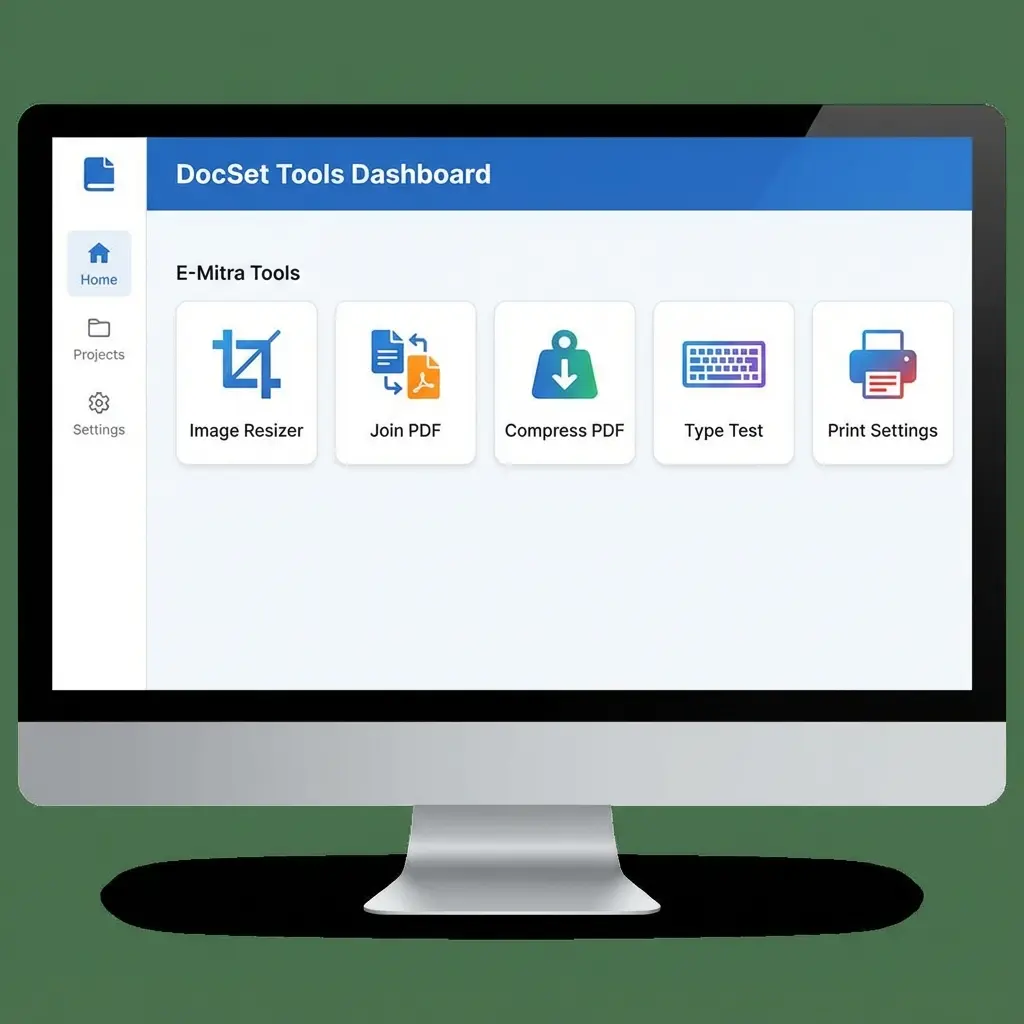 5 Essential Tools for E-Mitra & CSC Centers
1. The "Magic" Resizer (KB Fixer)
Government portals reject files over 50KB. Photoshop's "Save for Web" is confusing. Our Solution: Just drag a slider. We handle the compression math.
2. The Signature Scrubber
Customers send dark, shadowy photos of signatures. Our Solution: Our AI detects ink and turns the background 100% white. IBPS/SSC accepted.
3. The Money Maker (Passport Sheet)
Studios charge ₹100. Printing costs ₹5. Our Solution: Generate a 4x6 sheet with 8 photos automatically.
FAQ: Common E-Mitra Problems
Frequently Asked Questions
No, these tools are completely free for commercial use in your E-Mitra or CSC shop.
Photoshop is powerful but slow. These tools are pre-configured for specific government forms (like 50KB limits, 300DPI), saving you manual adjustment time.
Yes, all tools are responsive. You can resize photos or clear signatures directly from your smartphone browser.
Copy citation for academic or reference use:
DocSet Team
✓ VerifiedExperts in Document Processing & Government Exam Specifications. We research official notifications from SSC, UPSC, IBPS, and other bodies to provide accurate, up-to-date image resizing and document preparation guidelines.